How to boot PC and run the software from CD-ROM?
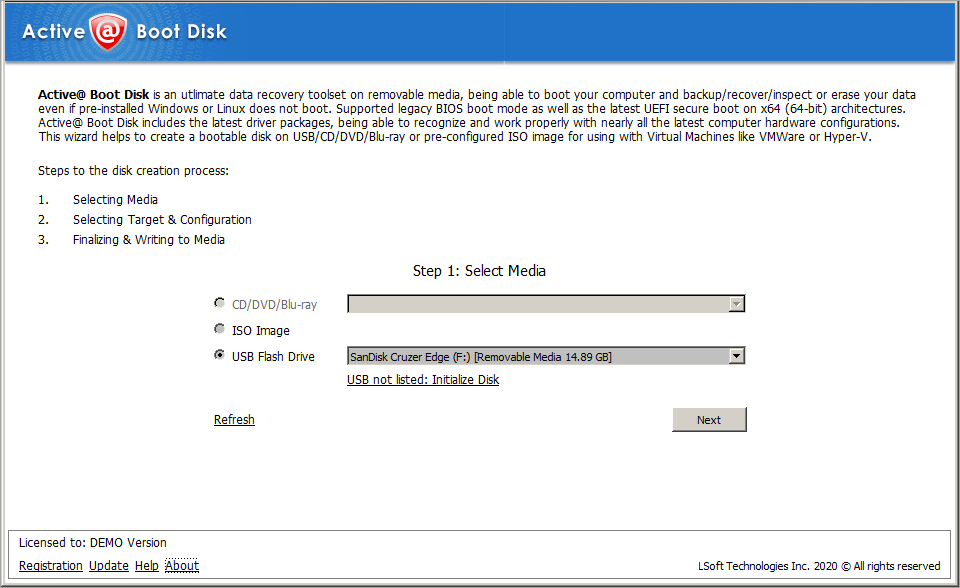
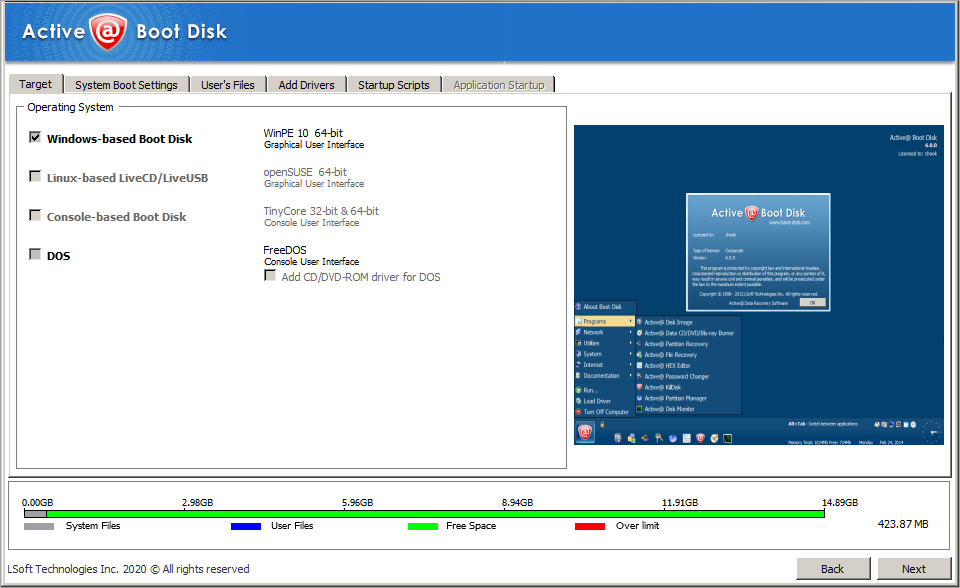
Here are the instructions on how to boot and run Active@ Boot Disk from CD or DVD.
- Insert a bootbale CD into CD-ROM drive of the computer. ( Learn how to create a bootable CD here )
- Check that the CD-ROM has boot priority over HDD in BIOS settings. Consult the computer manufacturer’s user guide if you are uncertain about how to set the boot priority.
- Re-boot the machine
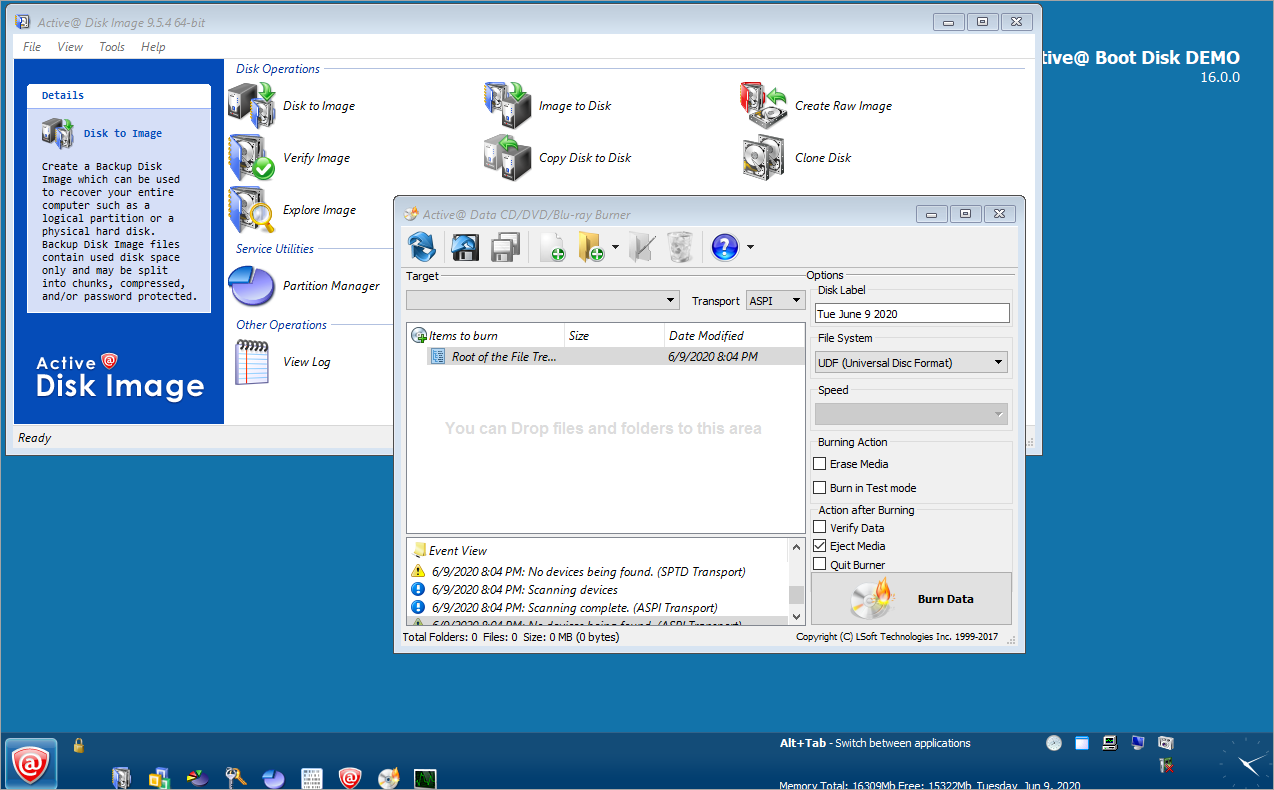
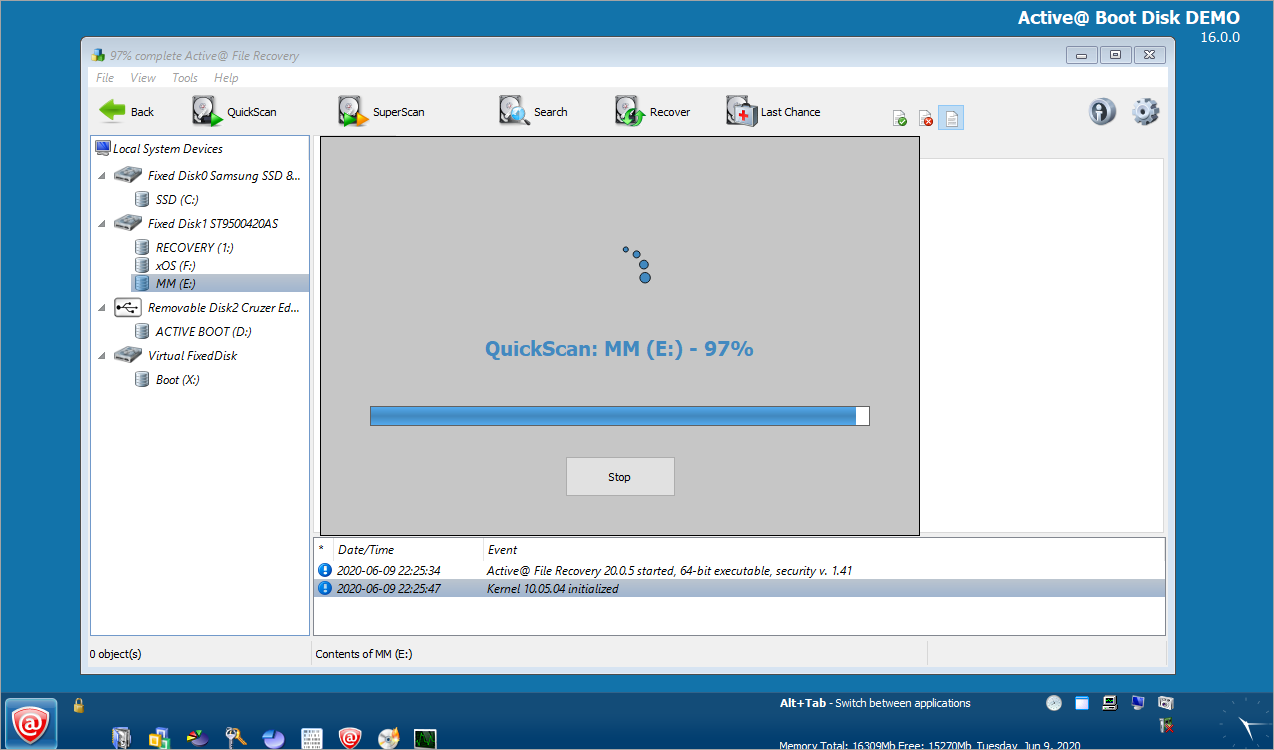
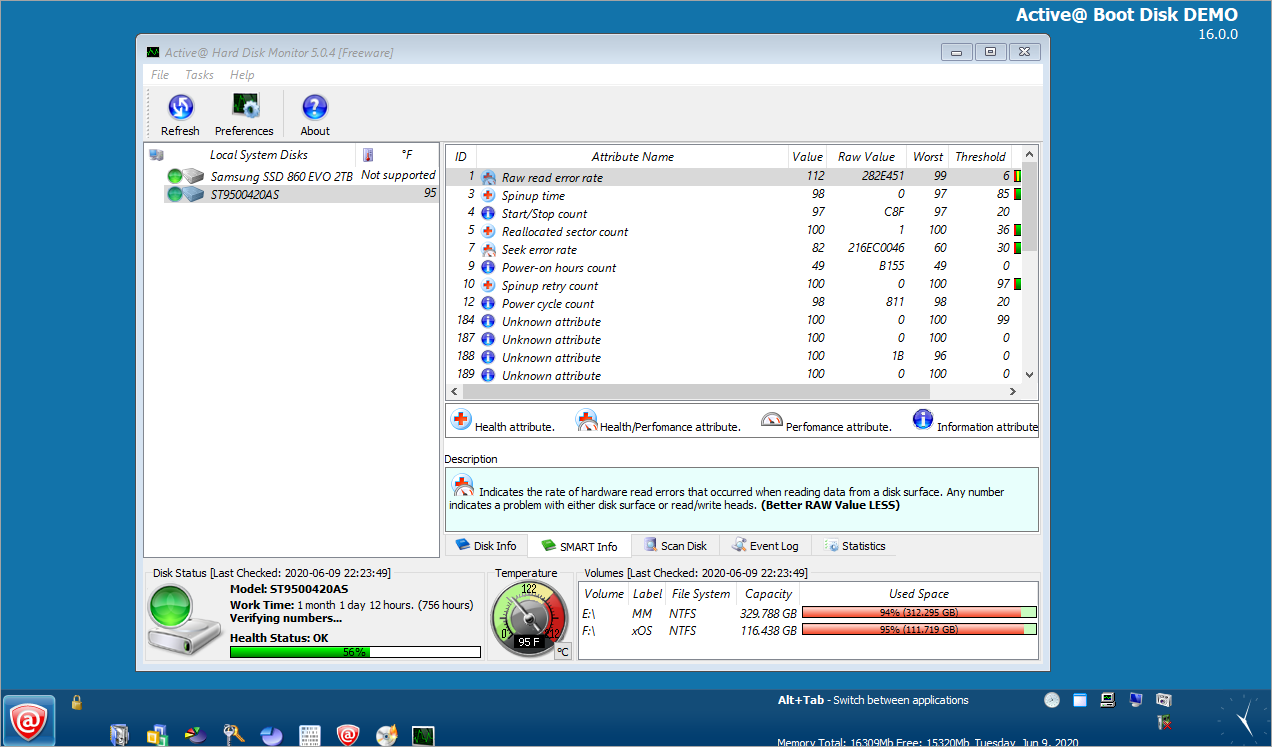
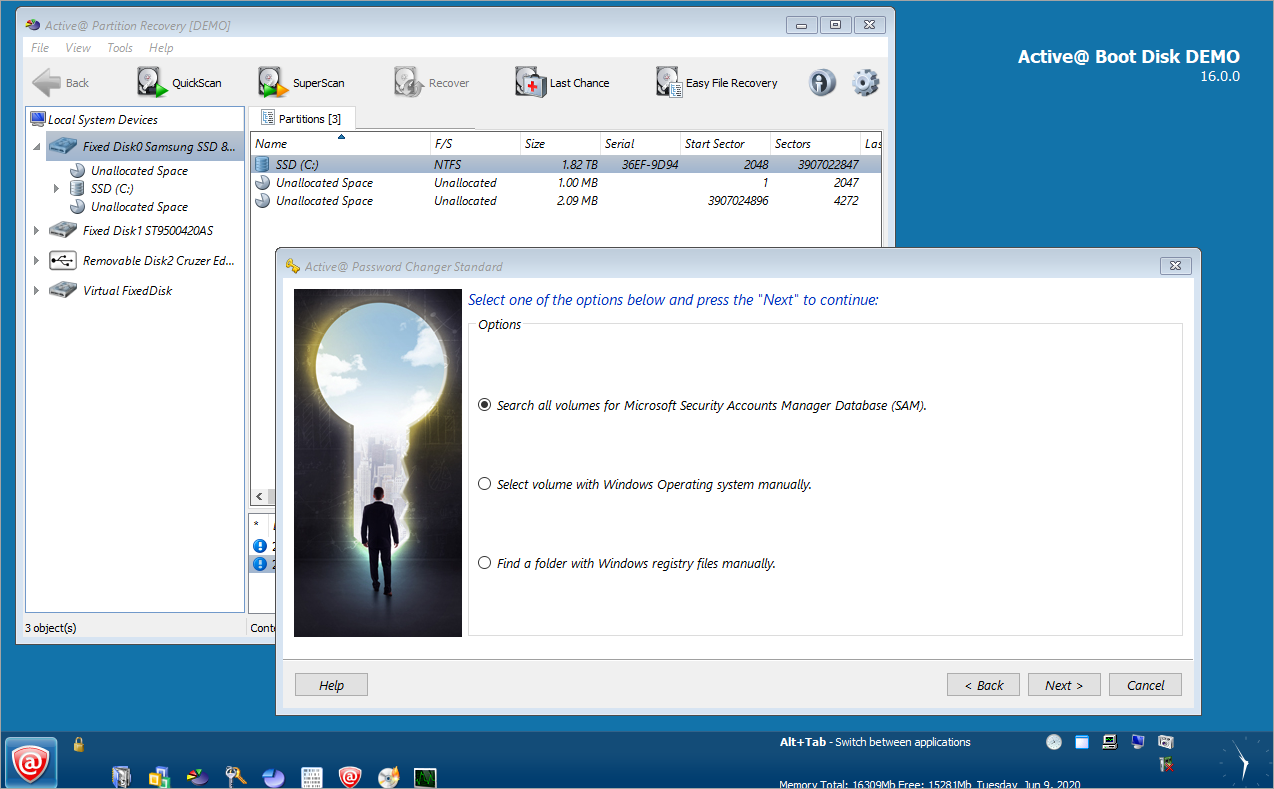
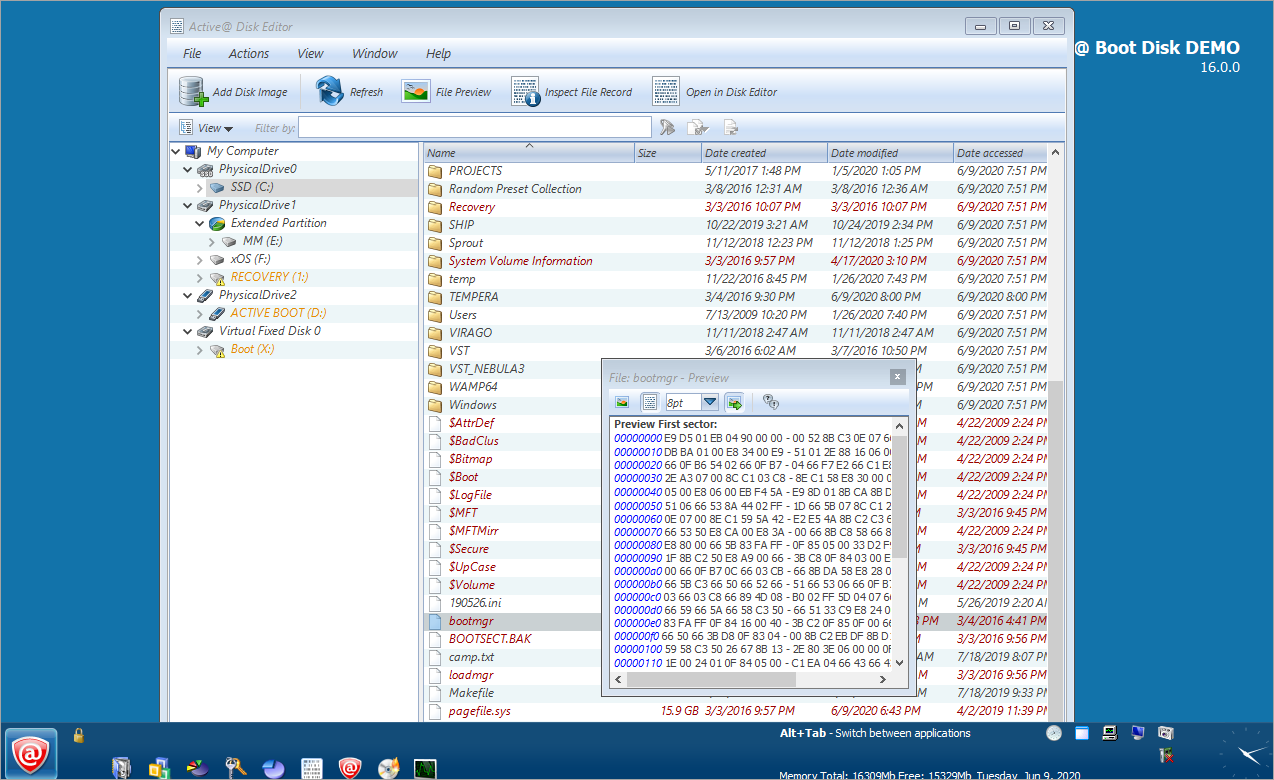
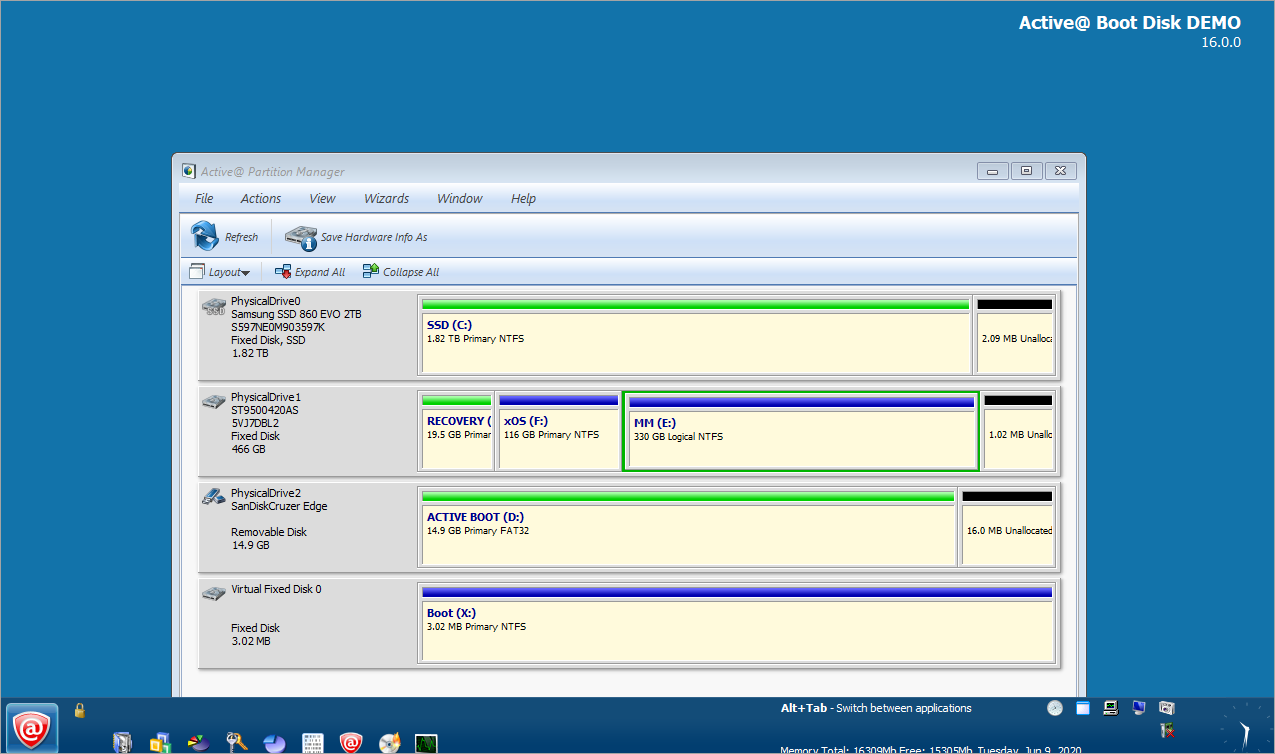
The computer will boot Windows and the Active@ Boot Disk shell utility is
launched at startup.
More Questions
What
are the differences between the Windows and the DOS editions
of Active@ Boot Disk?
How can I try Active@ Boot Disk before purchase?
How to make a bootable CD? How can I write ISO files to CD or DVD?
How to boot and run software from CD-ROM?
What
are ISO image files?
What are the differences between the Active@ Boot Disk Demo and Active Boot Disk Pro versions?
How is the software delivered when I order?
|