|
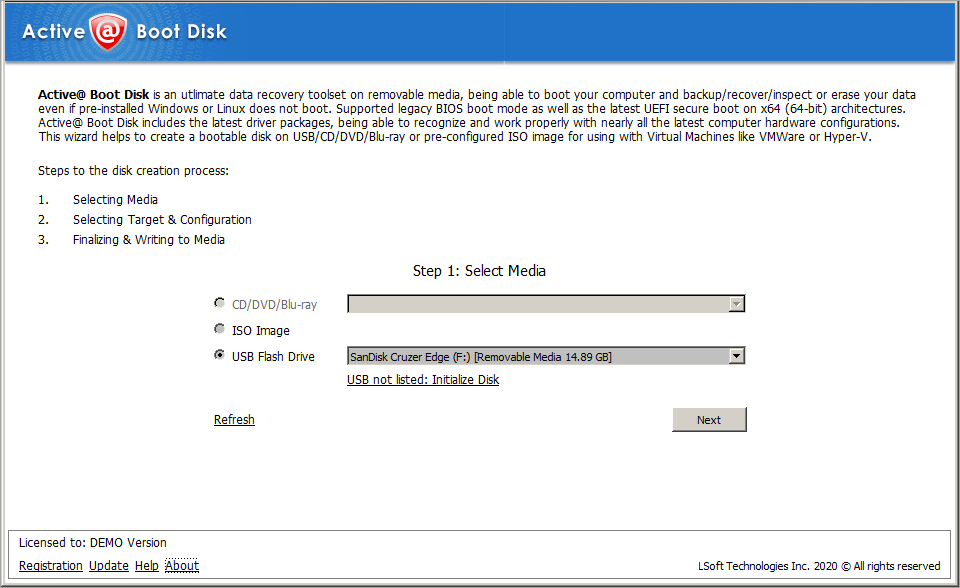
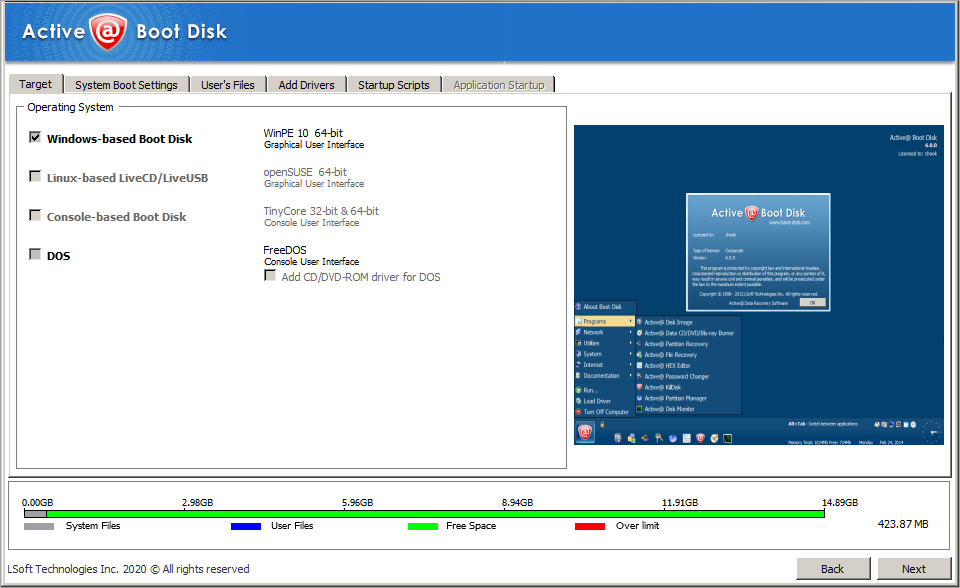
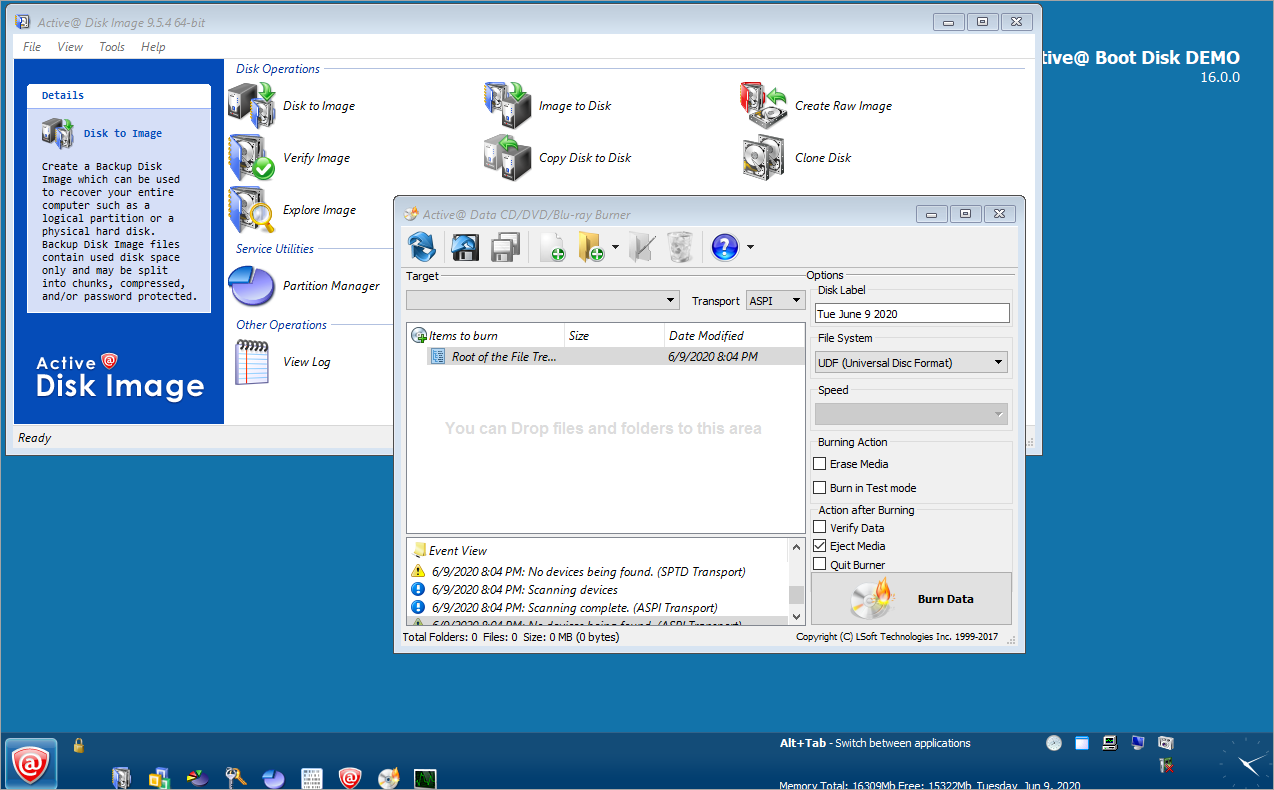
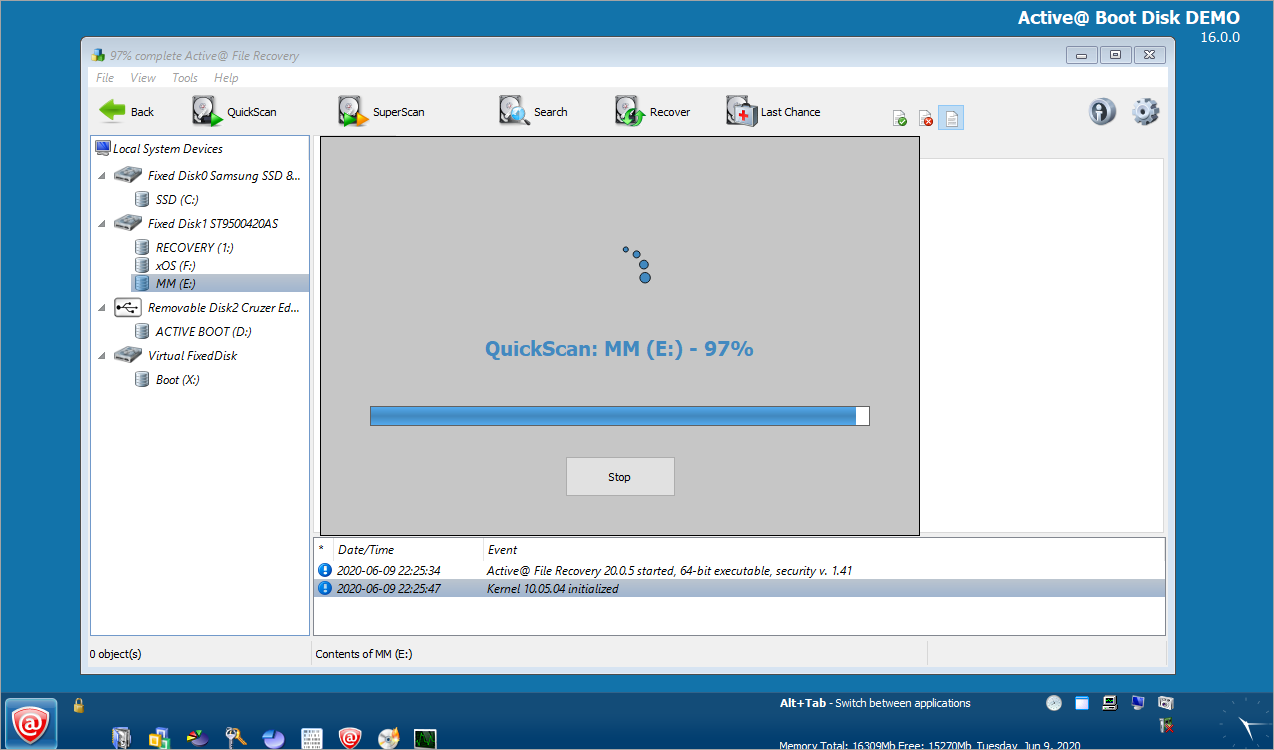
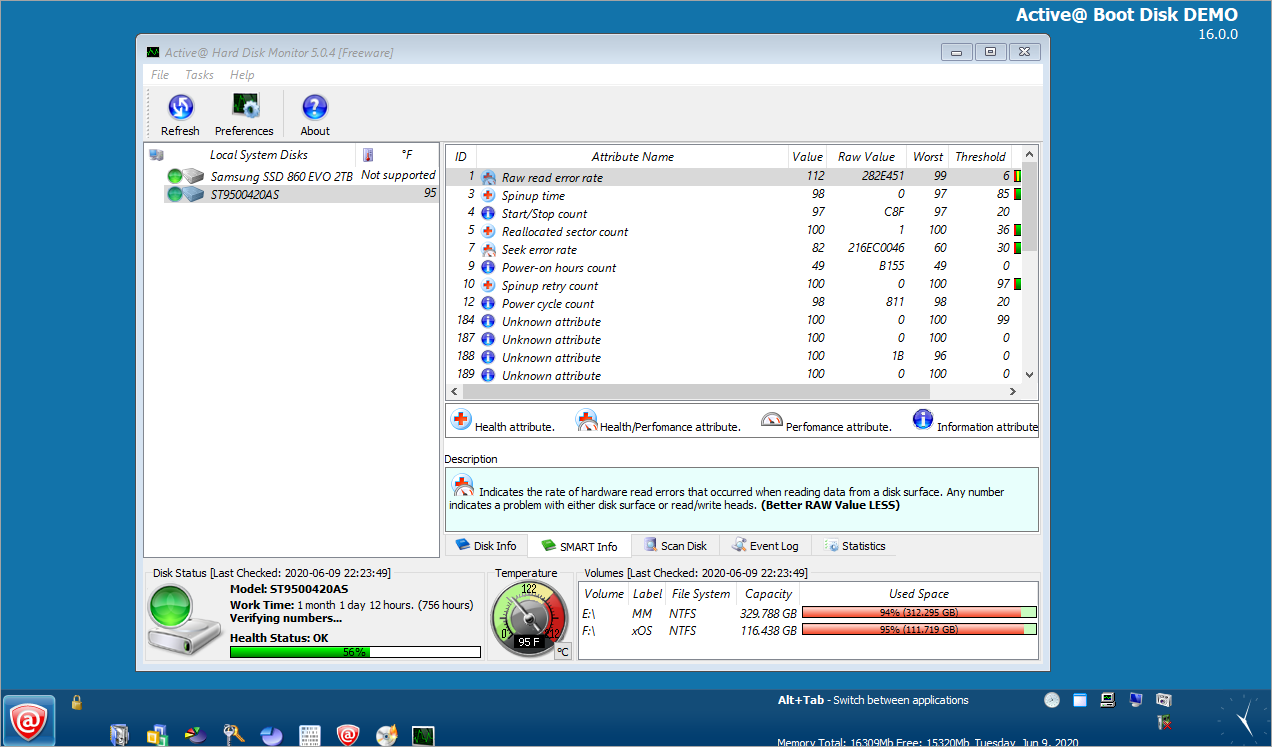
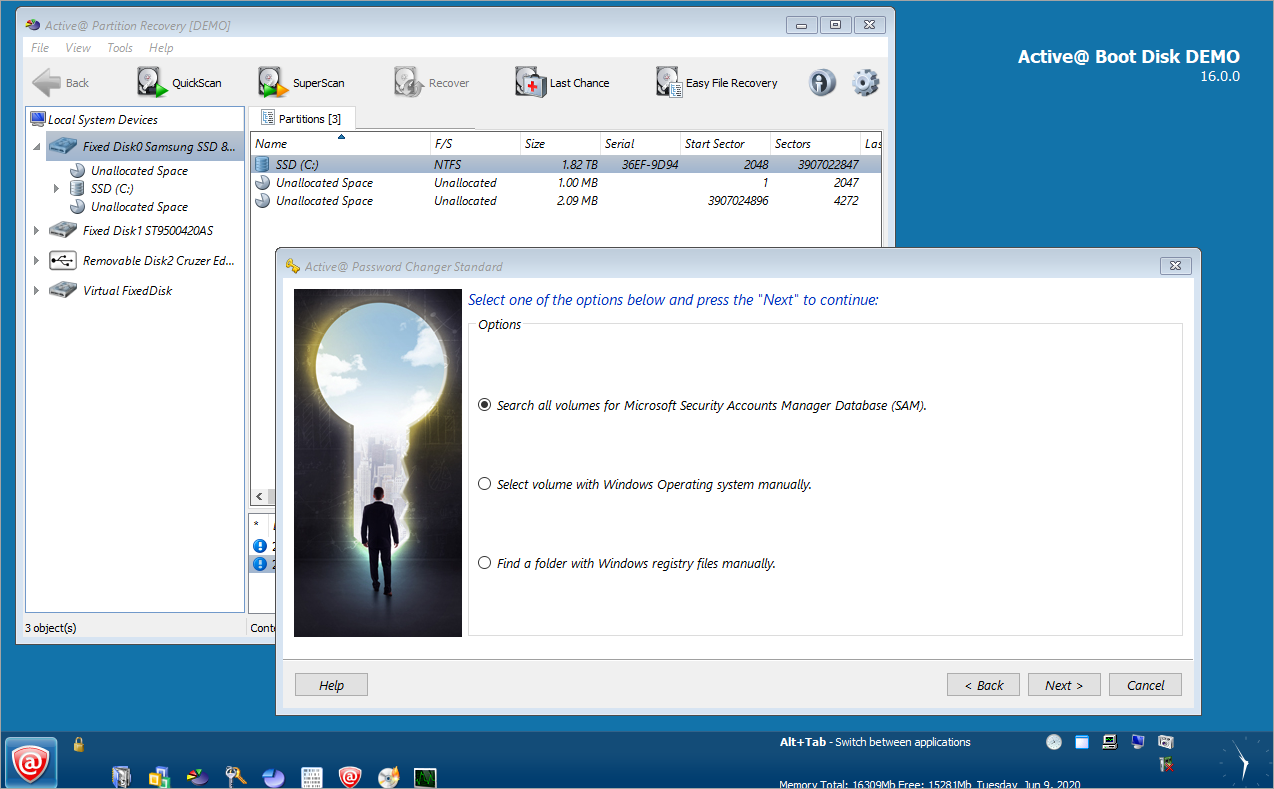
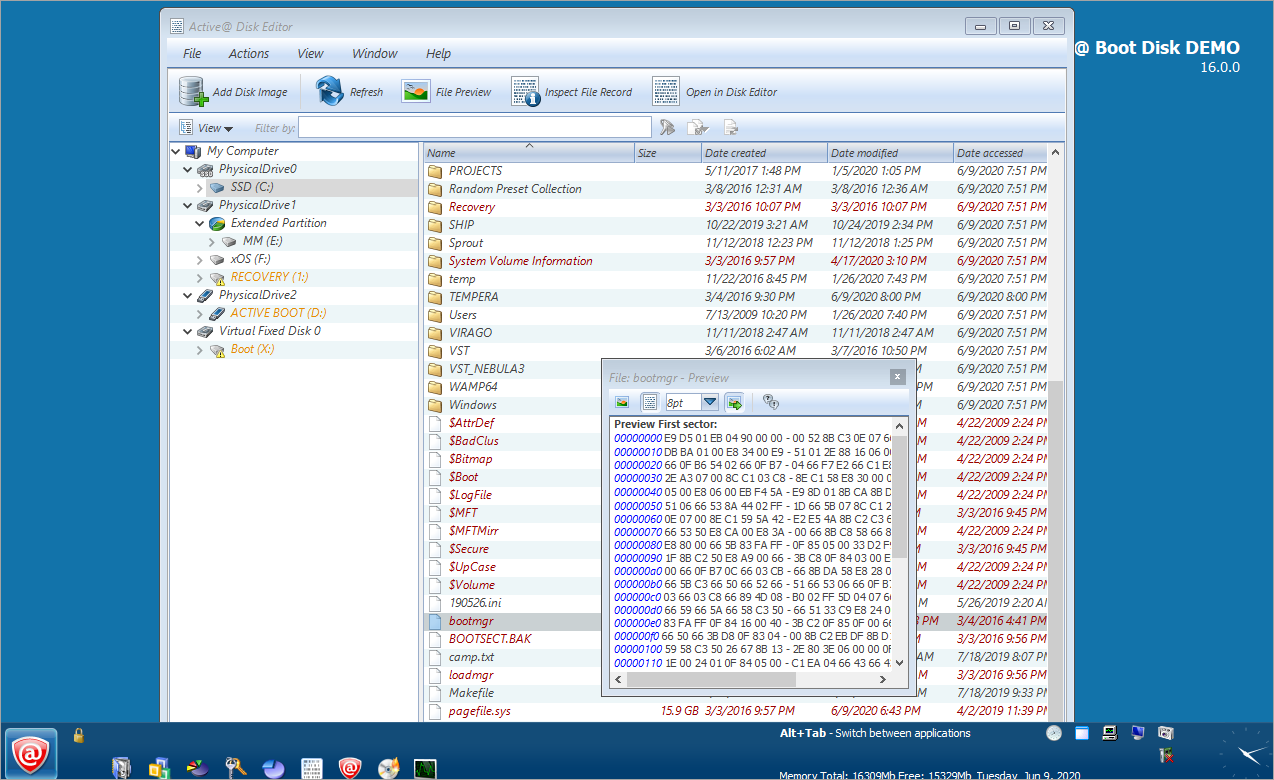
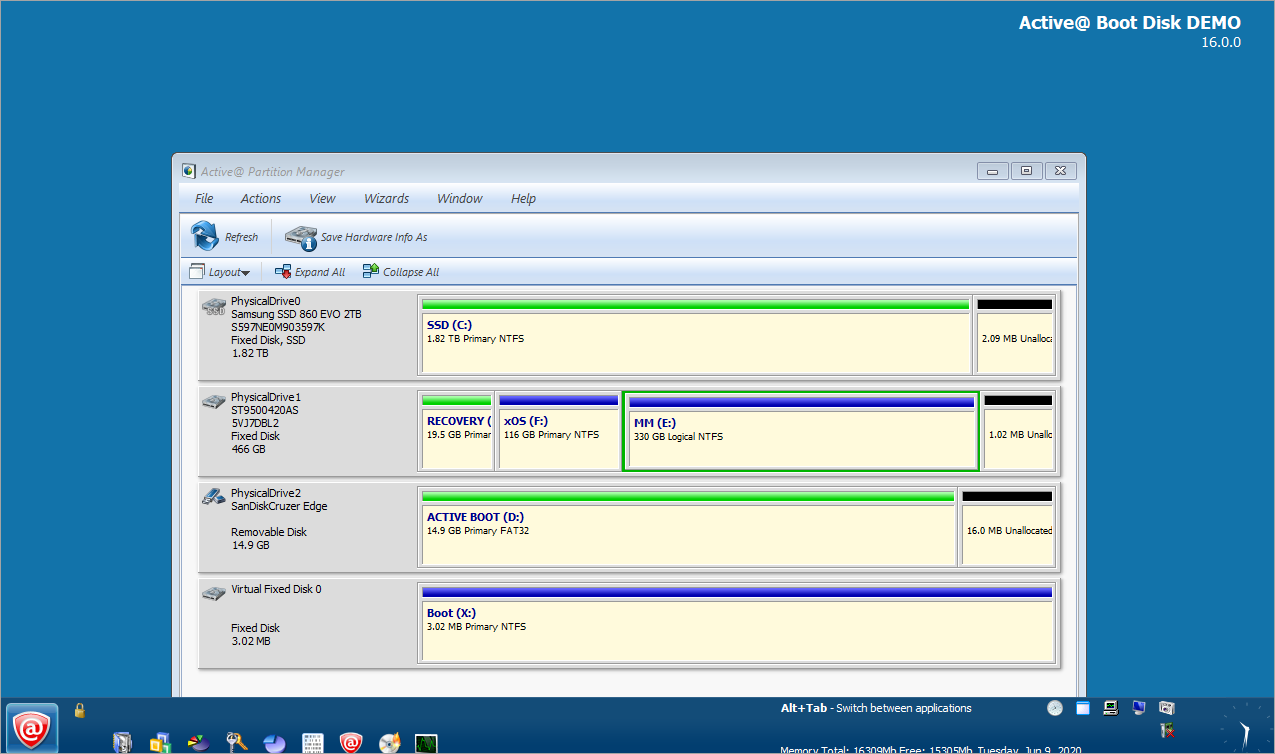
New version! Active@ Boot Disk (Win Edition) is a bootable Windows-based Live CD/DVD for system recovery purposes. |
|
|
NTFS General Information > Questions and Answers > Questions and AnswersHow can I get the separate program executables from Active@ Boot Disk DOS Edition onto a Bootable Floppy Disk?There are two ways of getting individual programs from the Active@ Boot Disk DOS Edition program onto a Bootable Floppy Disk. Please note that a floppy disk is limited to 1.44Mb in size so only one of the software programs can reside on the floppy at a time. Method 1.
Method 2.If you boot the system from the Active@ Boot Disk, you will see the Active@ Boot Disk Welcome screen (not Windows) and all the programs will be available. If you need to access one of the programs, boot from the CD and exit the Welcome screen by hitting the [ESC] button. Put a floppy disk in the floppy drive and then copy any of the program files from the CD-ROM to the floppy disk. e.g.: To place Active@ KillDisk Pro onto a floppy disk type the following at the command prompt: COPY G:\KILLDISK.EXE A: COPY G:\DOS4GW.EXE A: The above assumes that the G:\ drive is the bootable CD-ROM drive and the A:\ drive is the floppy disk drive. DOS4GW.EXE is a required file for Active@ KillDisk, Active@ UNERASER and Active@ Disk Image.
|
|
|
|
|
|
|
NTFS.com ©1998-2008 |