|
Active@ Boot Disk Professional
combines six powerful tools that let you recover your lost data,
reset Windows passwords, make computer system backups and securely
erase data.
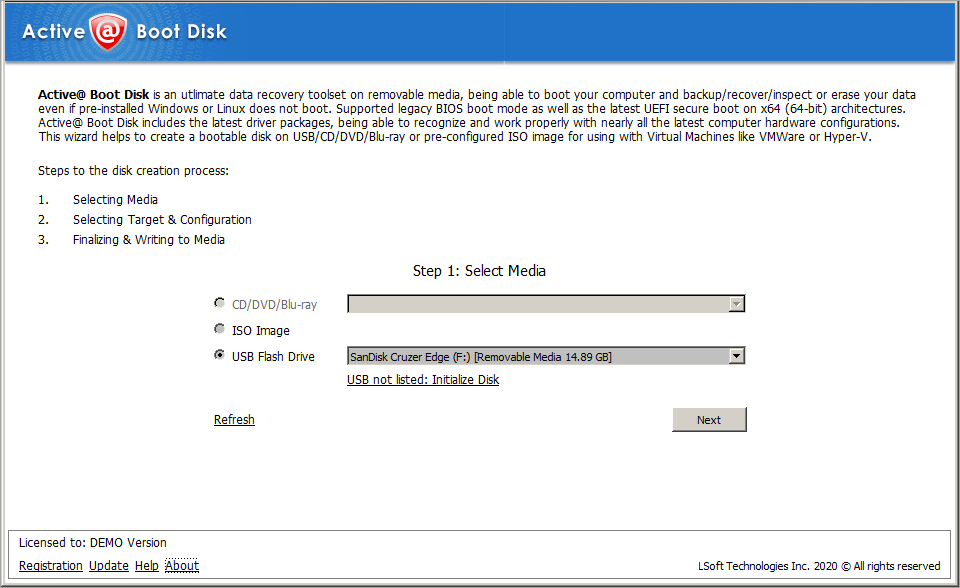
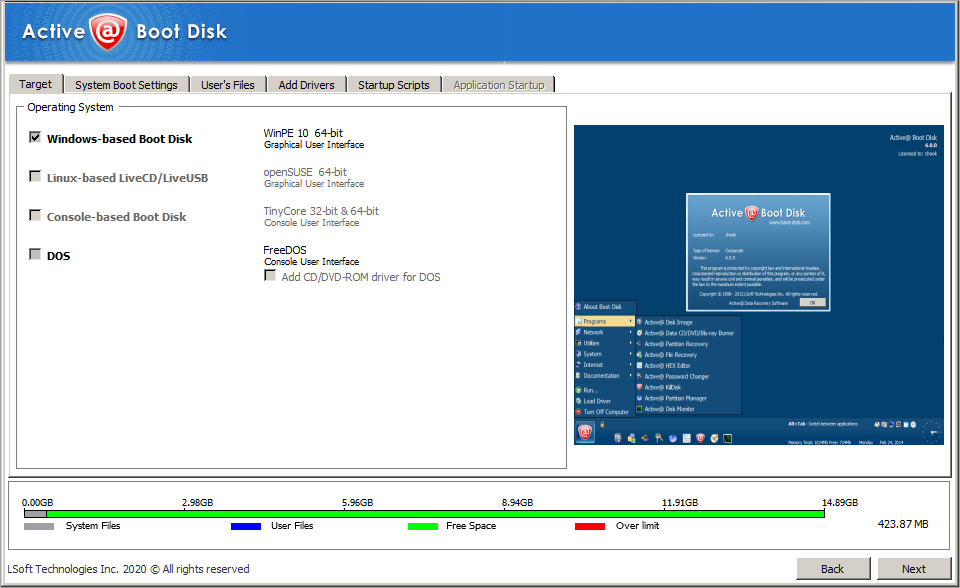
Active@ Boot Disk is used from a bootable CD-ROM to start the PC.
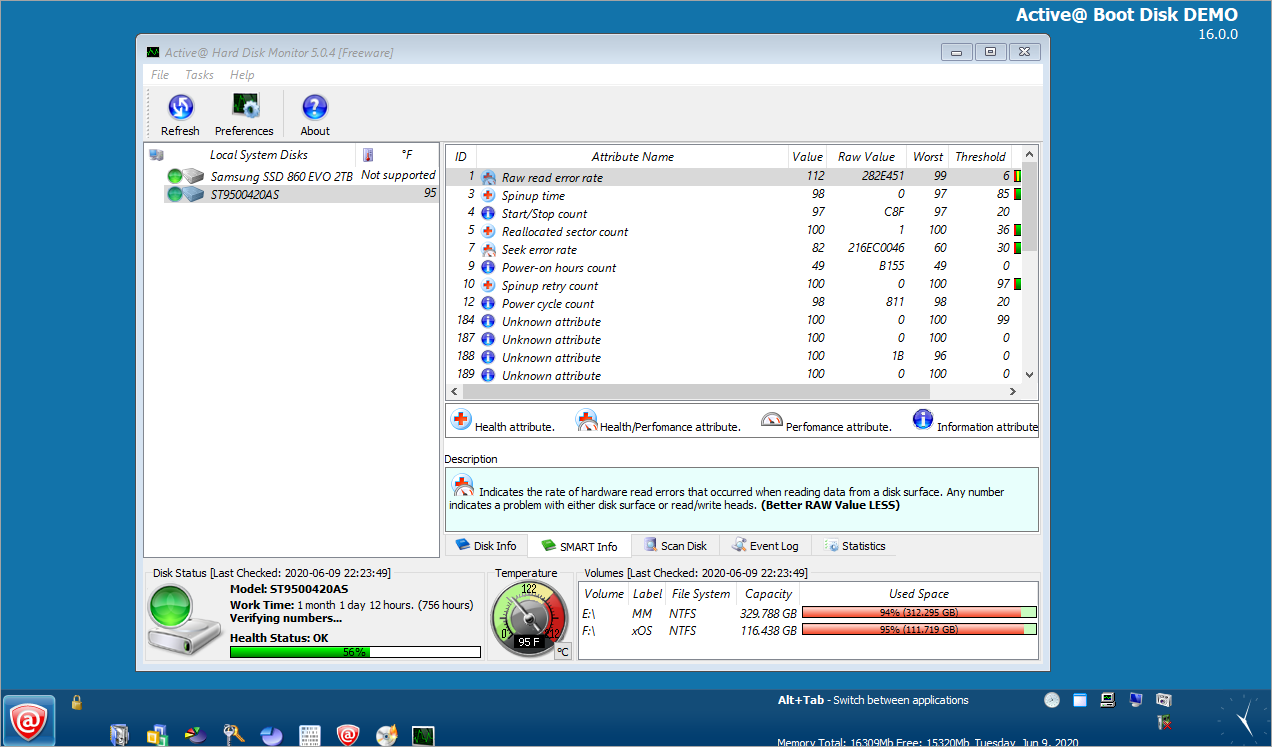
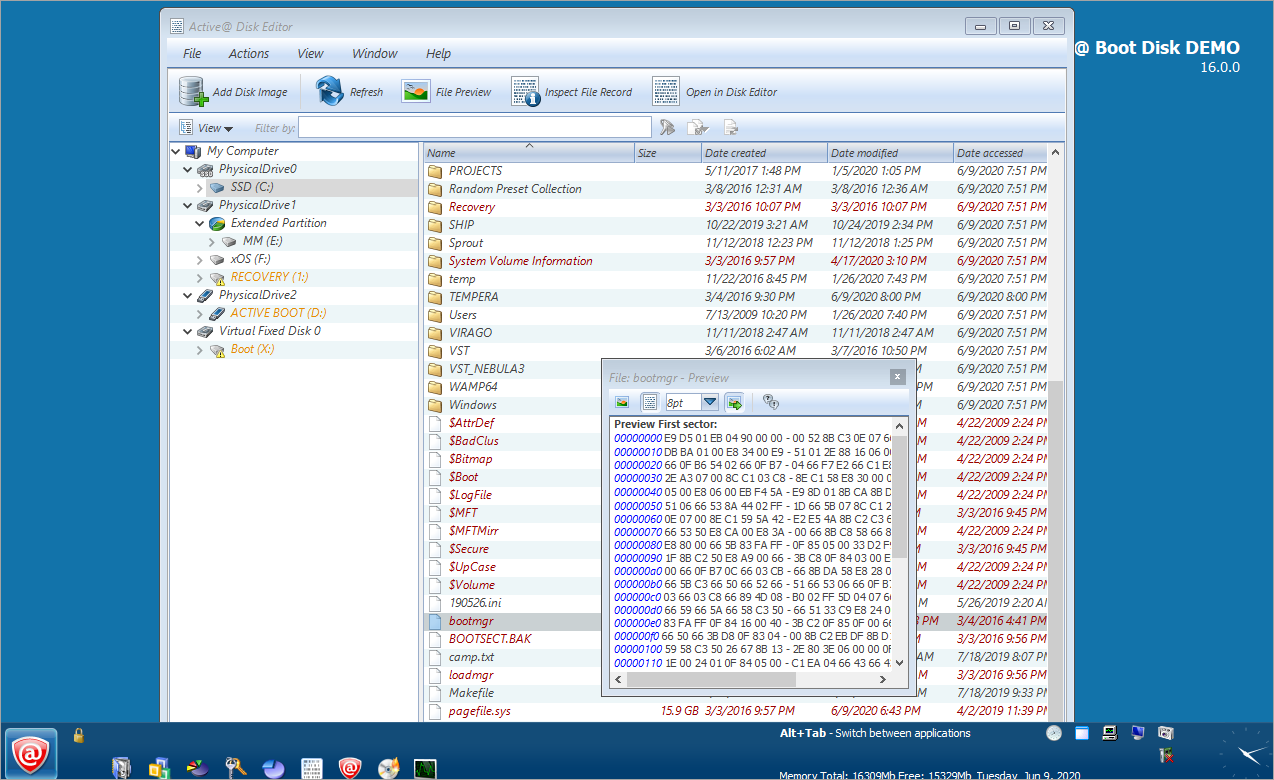
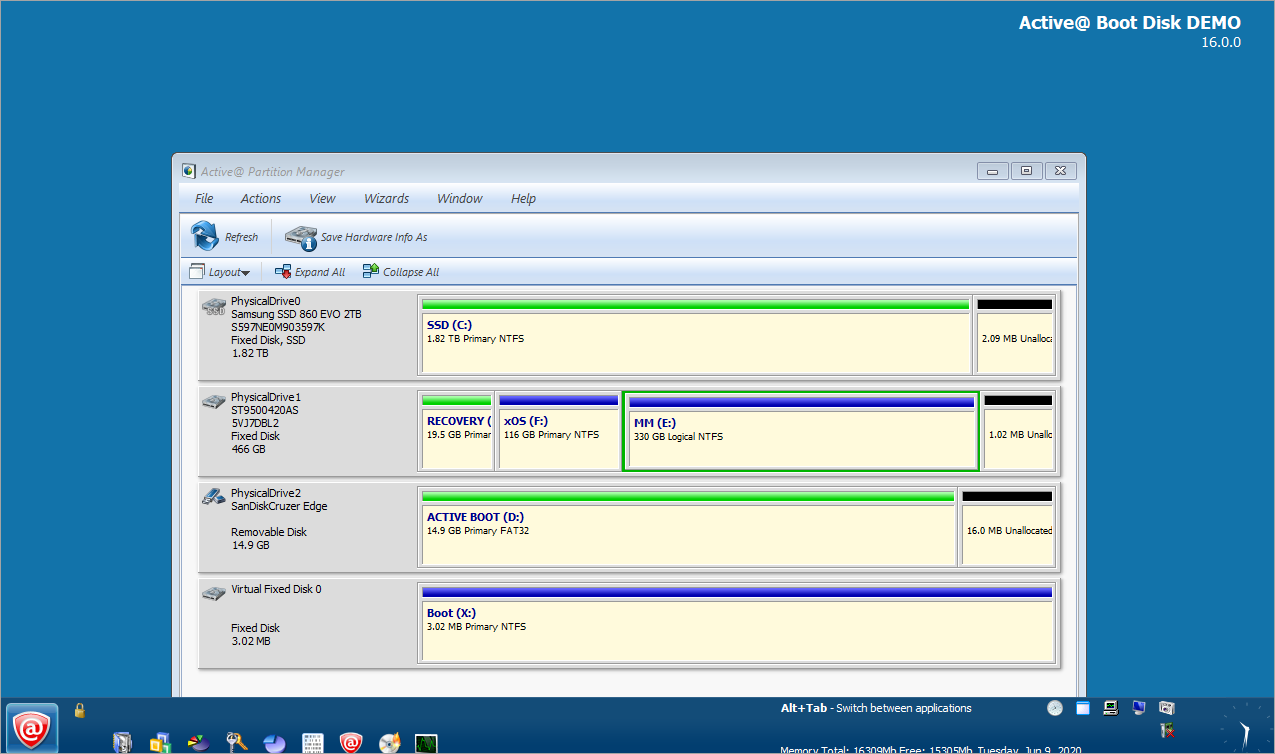
Active@ Boot Disk contains the following products:
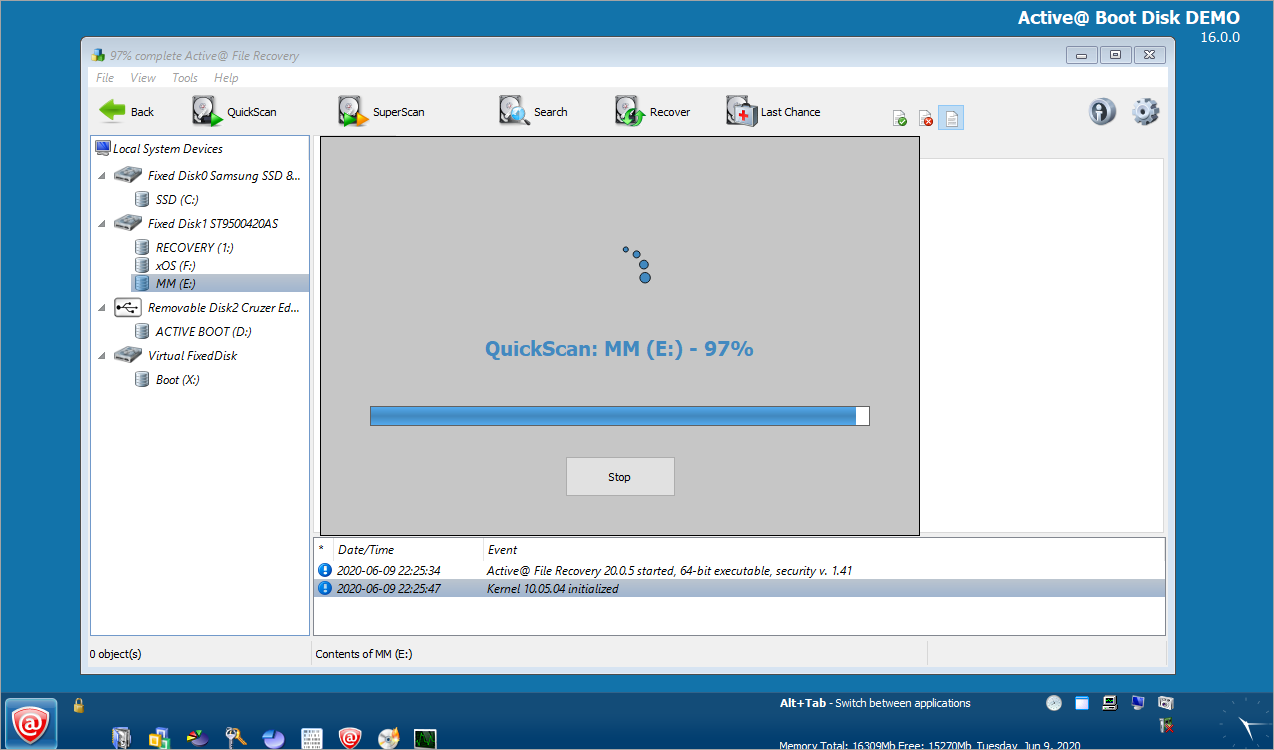
- Active@ UNERASER
- Active@ Partition Recovery
- Active@ KillDisk
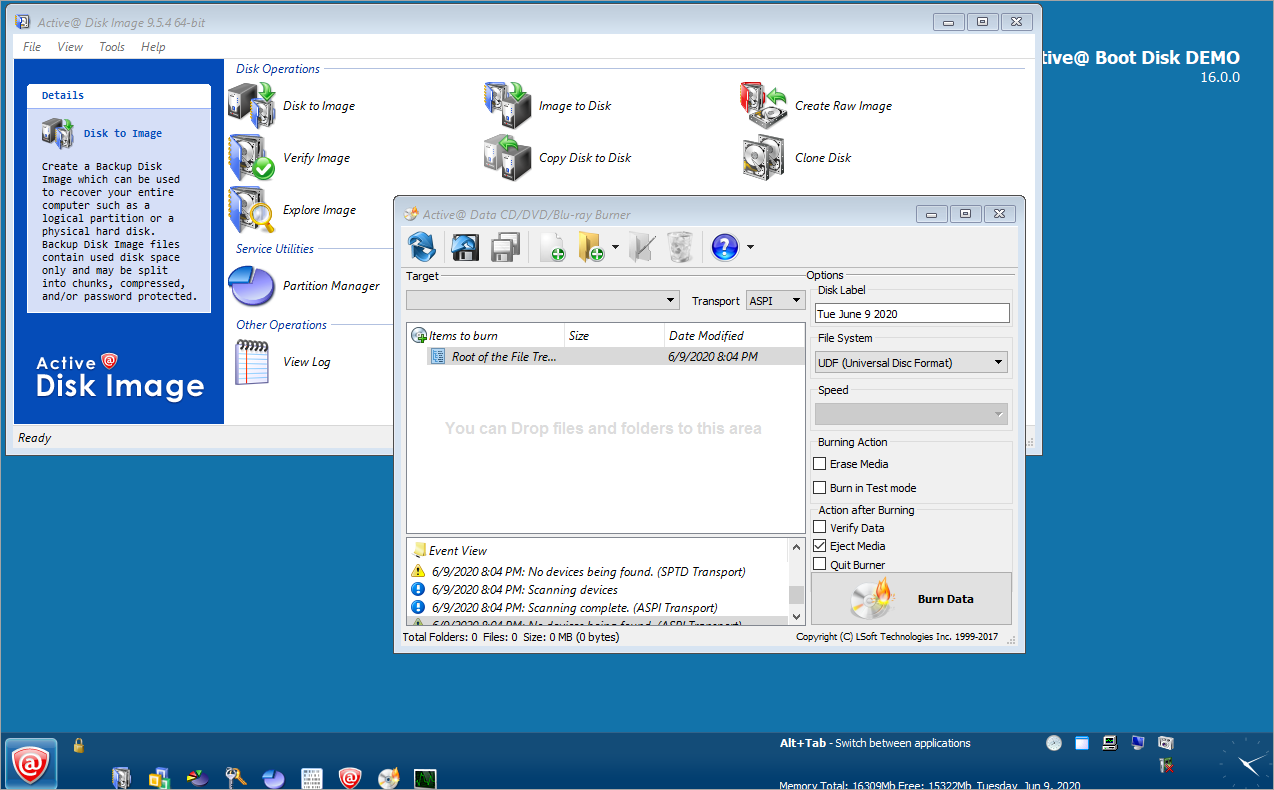
- Active@ Disk Image
- Active@ NTFS Reader
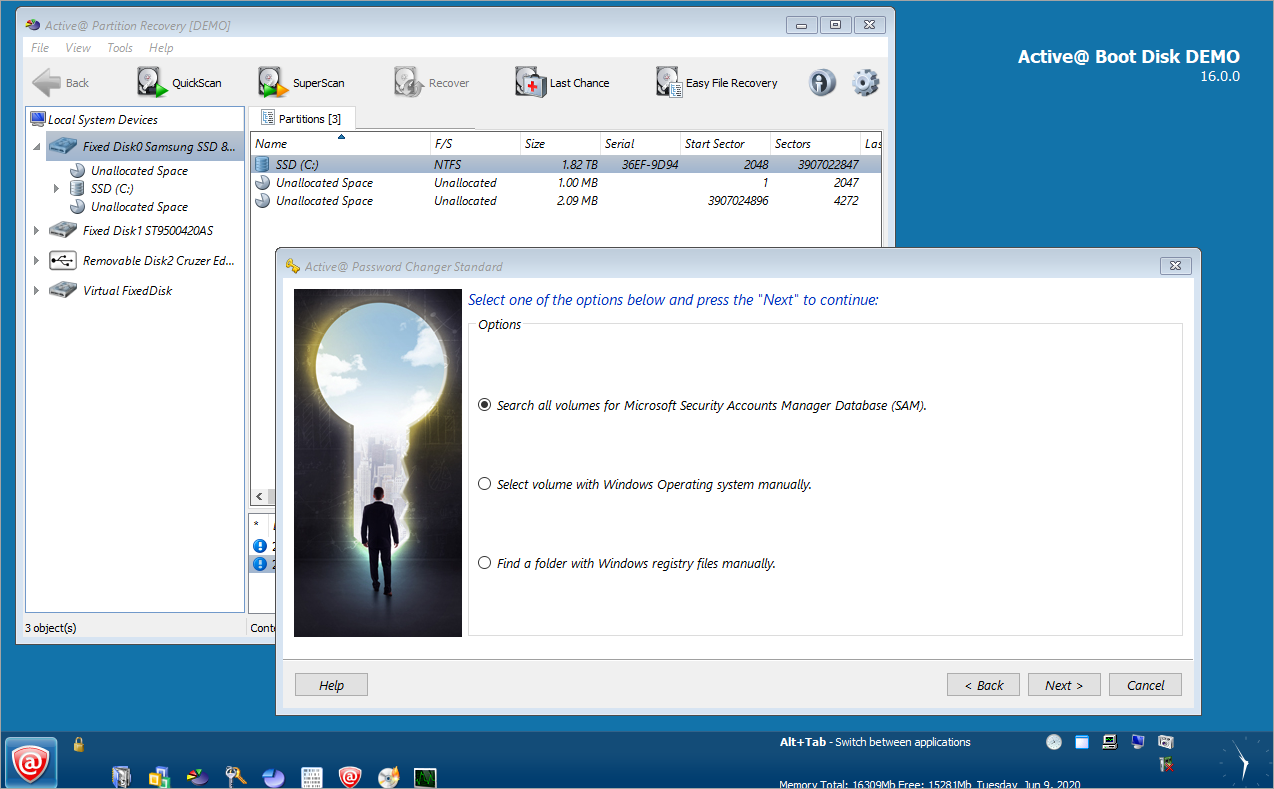
- Active@ Password Changer
Note: DEMO version of Active@ Boot Disk contains FREE versions of KillDisk & NTFS Reader
|
Alternative Download Links
Download Demo Version
(ISO Image - 6.75 Mb) |
Site 1
Site 2
Site 3 |
|
Questions and Answers
What are ISO image files and how do I use them?
How can I get the separate program
executables from Active@ Boot Disk onto a bootable floppy?
How can I get the programs updates from Active@ Boot Disk
suite?

Contact Information and Delivery
Phone Line1:
Phone Line2: |
1(877) 477-3553
1(905) 812-8434 |
FAX: |
1(416) 352-7561 |
Email: |
Email: sales@lsoft.net |
Delivery Methods: |
Electronic Software Delivery FREE |
Ground Mail $19.95 |
Download Previously Purchased Software |
|
DOS NTFS floppy boot disk to access NTFS
partitions in Windows XP 2000 or NT
How to make DOS boot disk to access NTFS partitions in Windows ?
- Download the self-extracting
Bootable Floppy
Disk Creator for NTFS Reader.
- Insert floppy disk and run NtfsFloppySetup.exe
- Follow the instructions on the screen
To access NTFS drives from DOS :
- Reboot your computer from a new boot disk.
- The program (ReadNTFS.exe) will start automatically from autoexec.bat
Note: You can use NTFSDOS boot disk to access
NTFS drives in Windows 98 95 and 3.1. This is a DOS program, but can be run from
Windows. |