Screen 5 of 6
|
System
Utilities System Utilities - Utilities to explore
PC files and folders, manage partitions, and run command prompt shell.
The Active@ Boot Disk system utilities include:
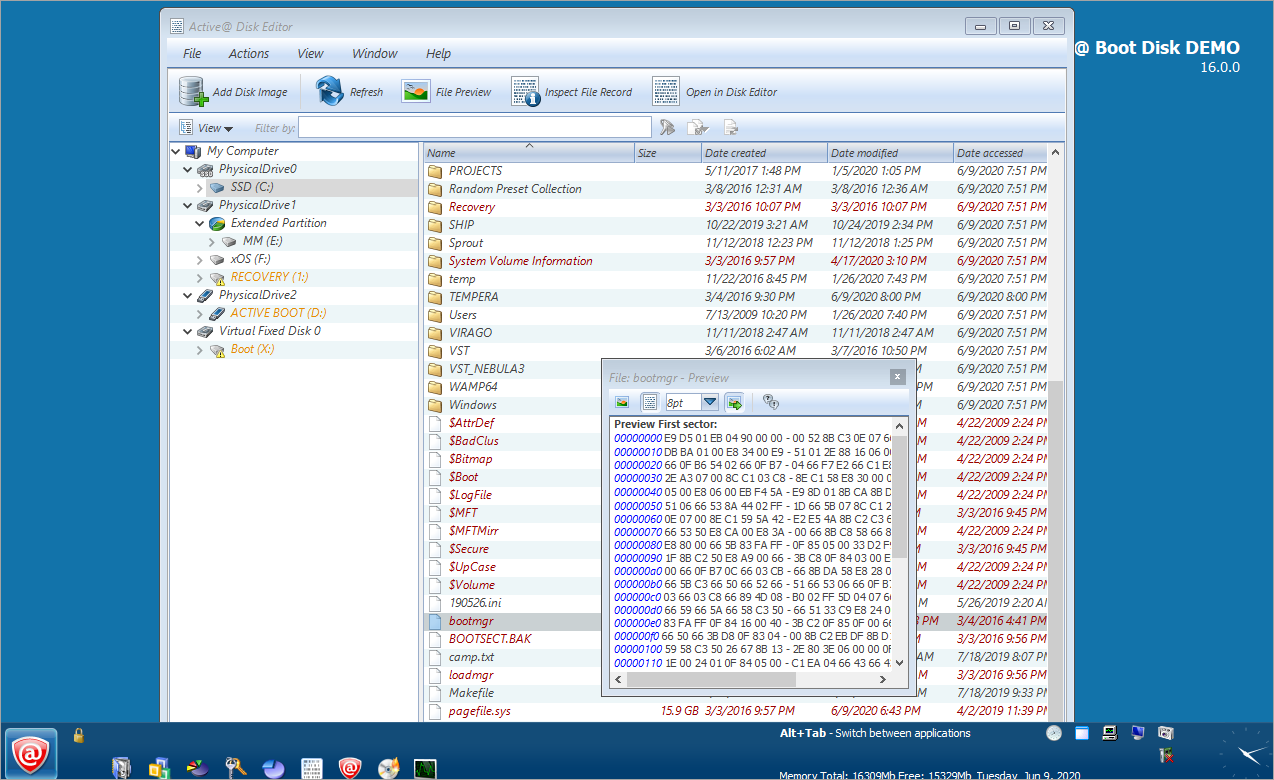
- Explore My Computer - Use ExplorerXP to access the file system. Copy, move and delete files and folders. ExplorerXP is a very fast, small, compact and innovative file manager. Unlike the regular Windows Explorer, it displays the total size of each folder and allows you to browse multiple folders from a tabbed interface.
- Windows Task Manager - Get information about computer performance and details about running applications, processes, network activity, logged-in users, and system services. View or modify currently running services. View the full name of a process. Monitor applications and services running system performance and resources.
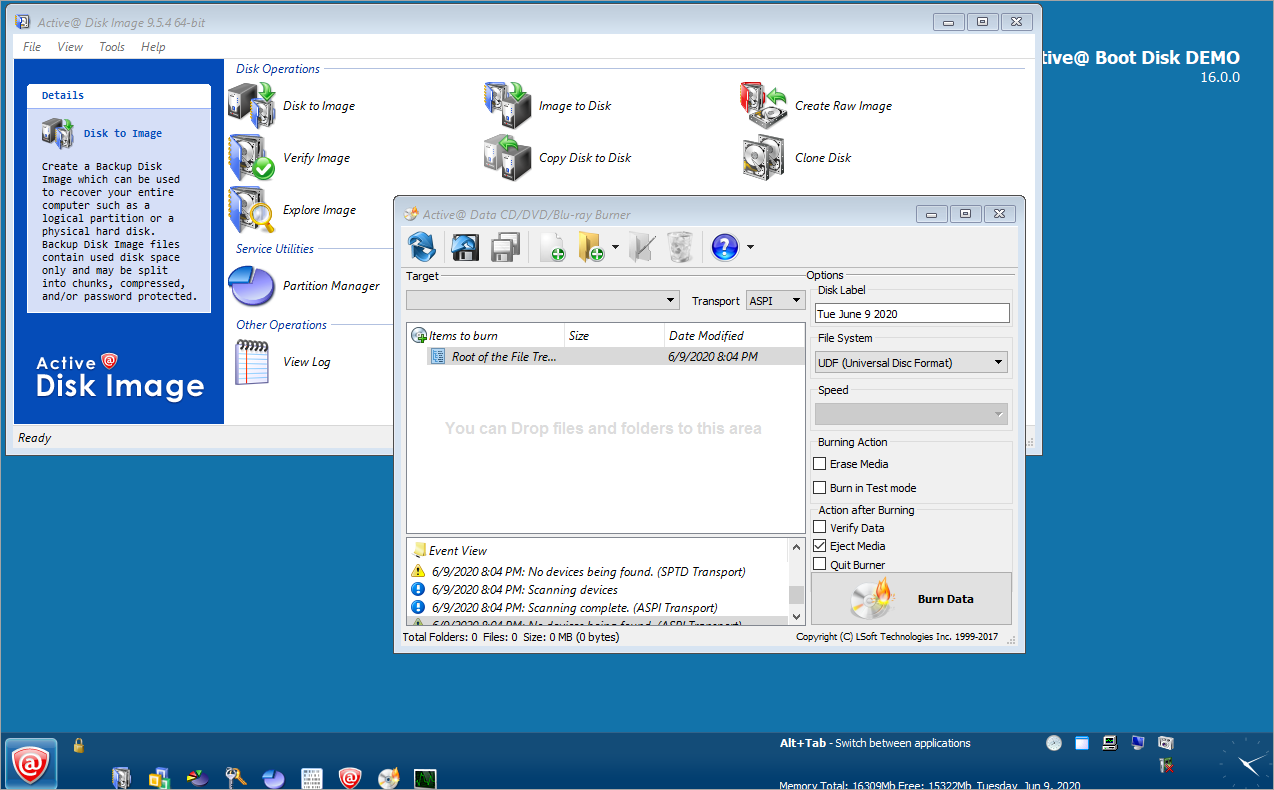
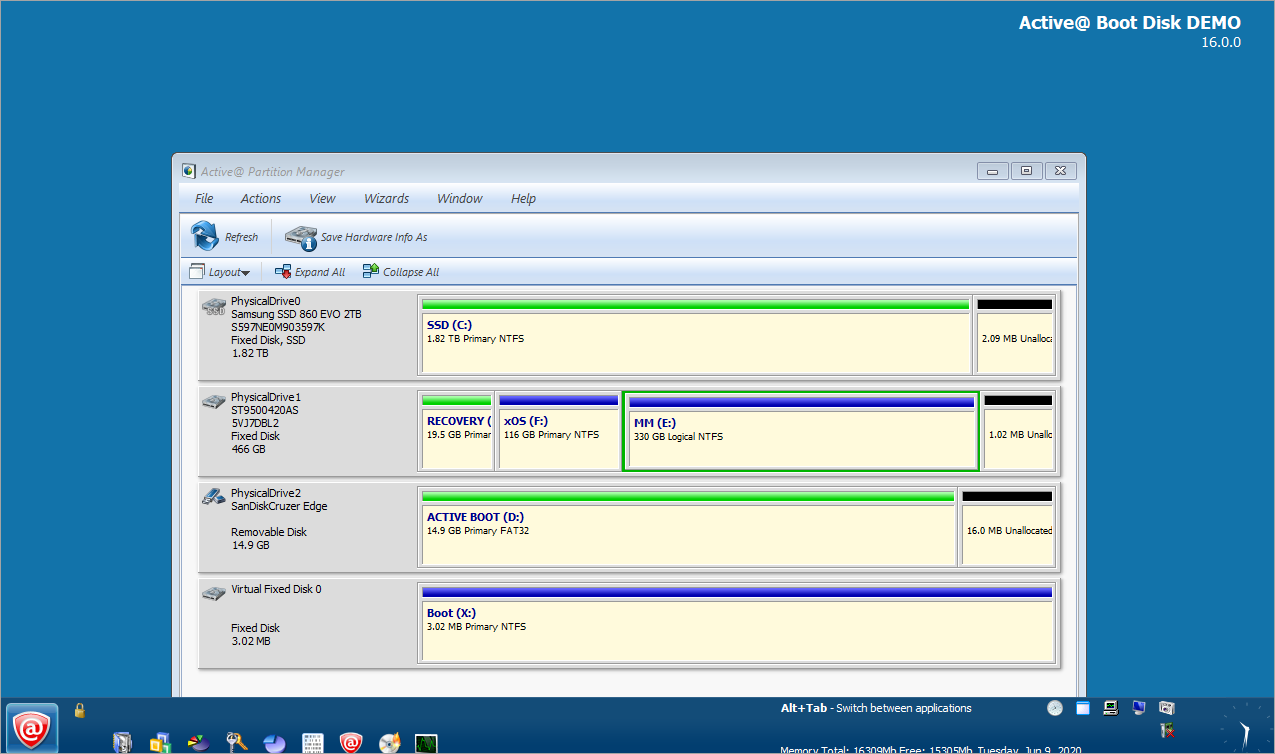
- Partition Manager - Create, delete, format and resize basic partitions and logical partitions, and manage dynamic volumes and RAIDs.
- Notepad - Run Notepad text editor. When you are performing maintenance on a hard disk or if you are repairing or recovering lost or damaged data on a disk, you might want to record technical information about the disk before making changes. This information may be helpful if you need to remember the original configuration when restoring data after a system crash or when contacting technical support.
- Command Prompt - Run command prompt utility (cmd.exe) to create and run batch files or perform other DOS commands.
|