What
are the differences between the Windows and the DOS editions
of Active@ Boot Disk?
|
||||||
Active@ Boot Disk (Windows Edition) |
Active Boot Disk (DOS Edition) |
|
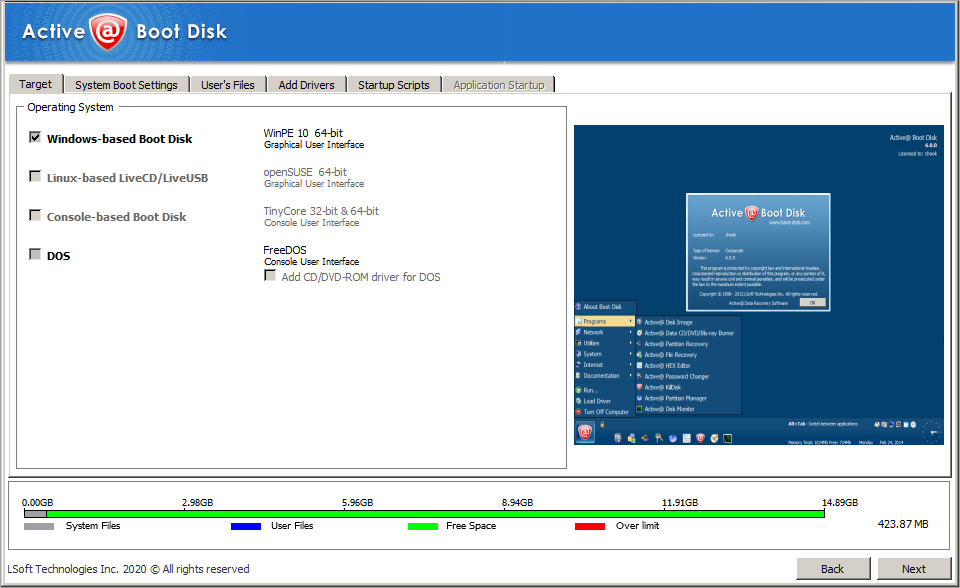
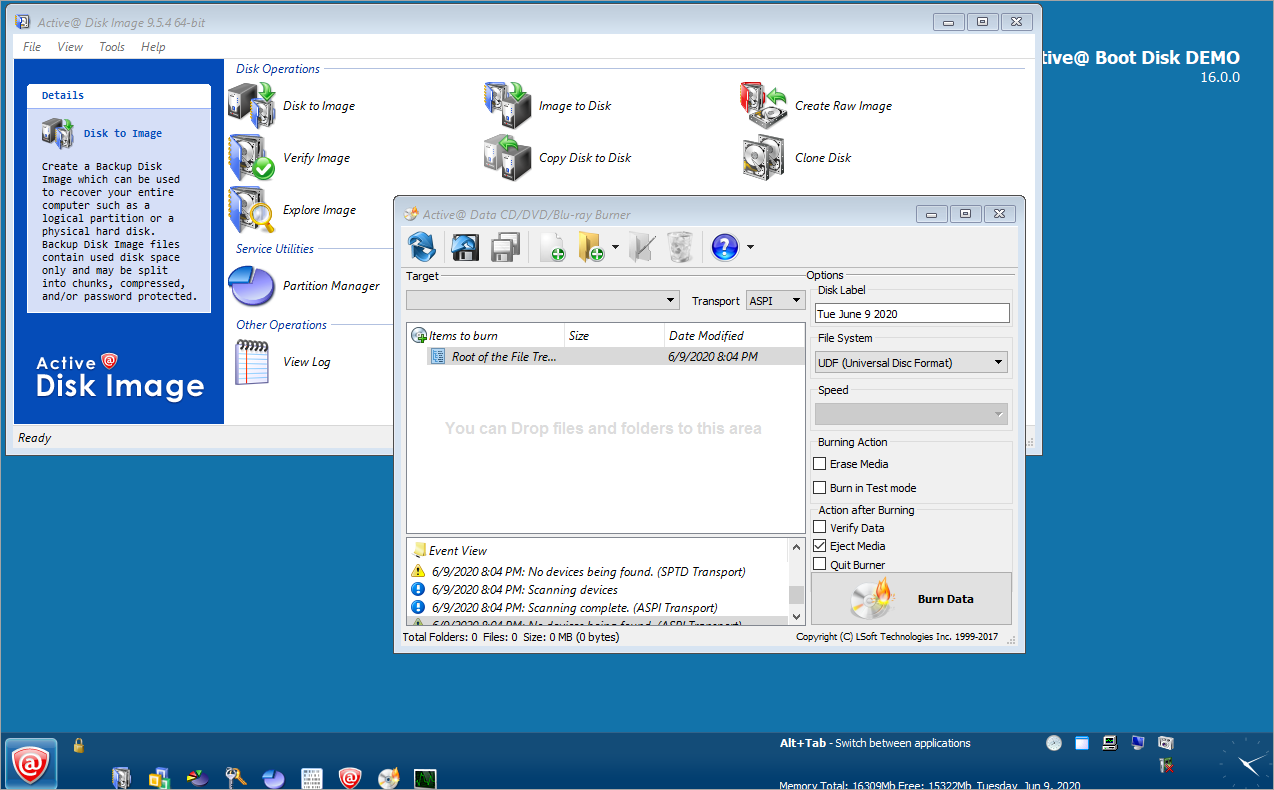
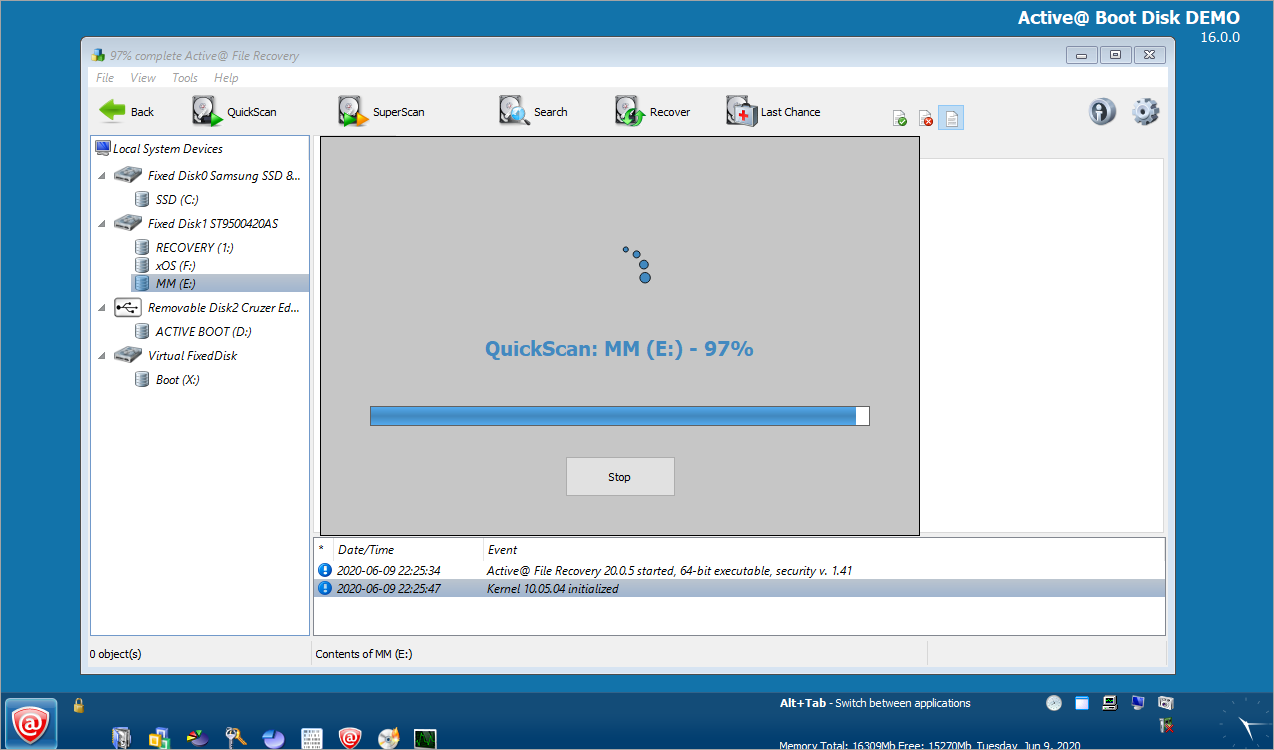
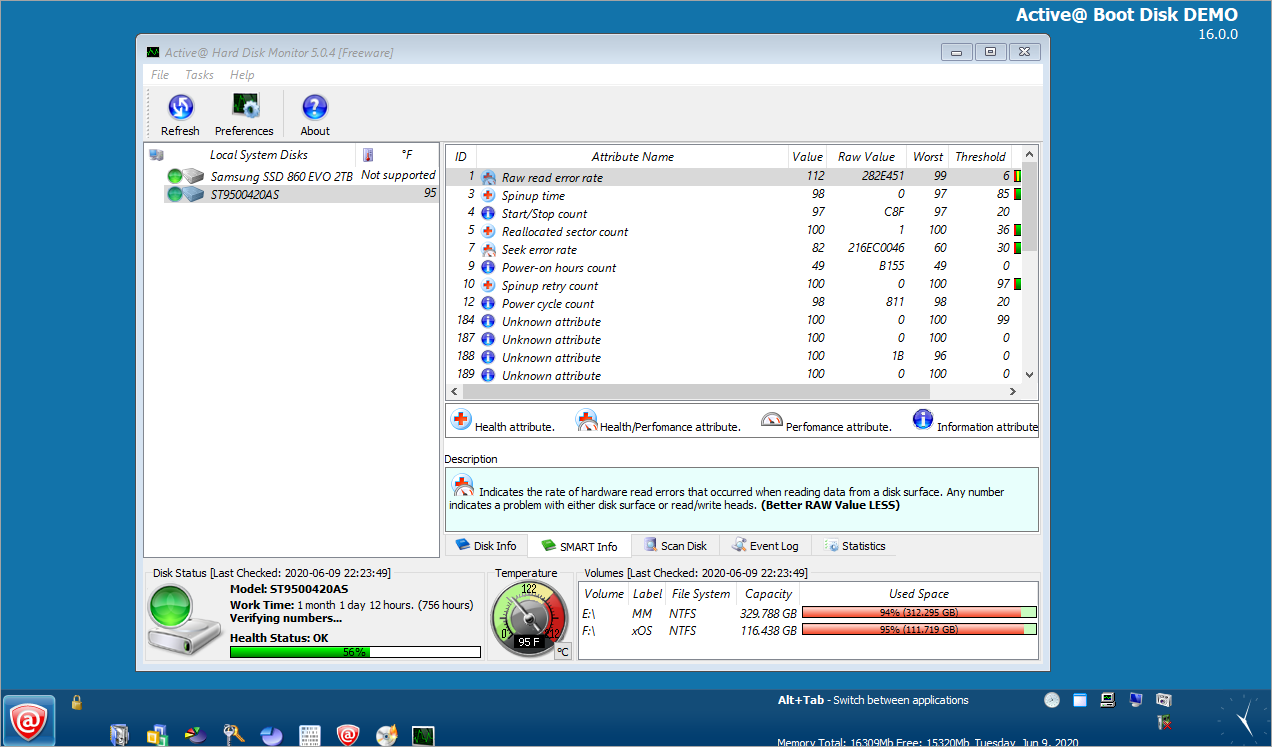
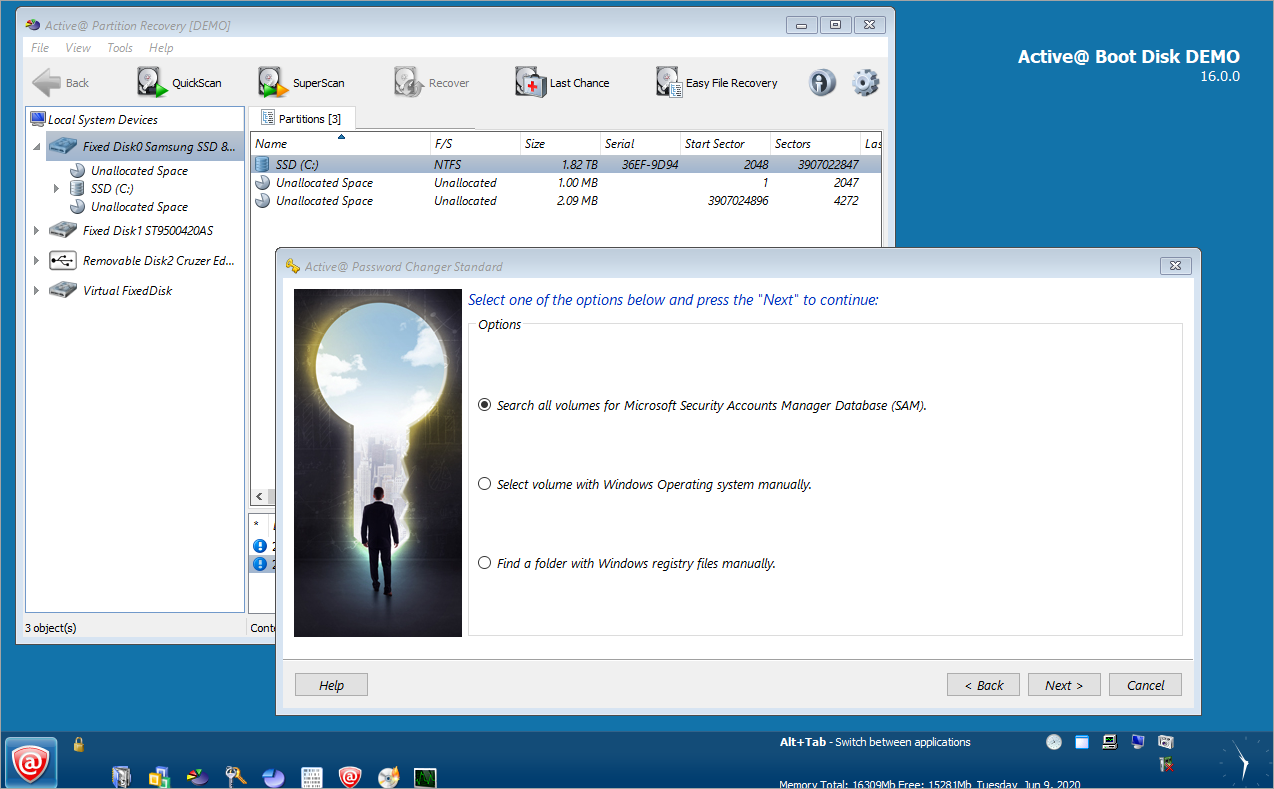
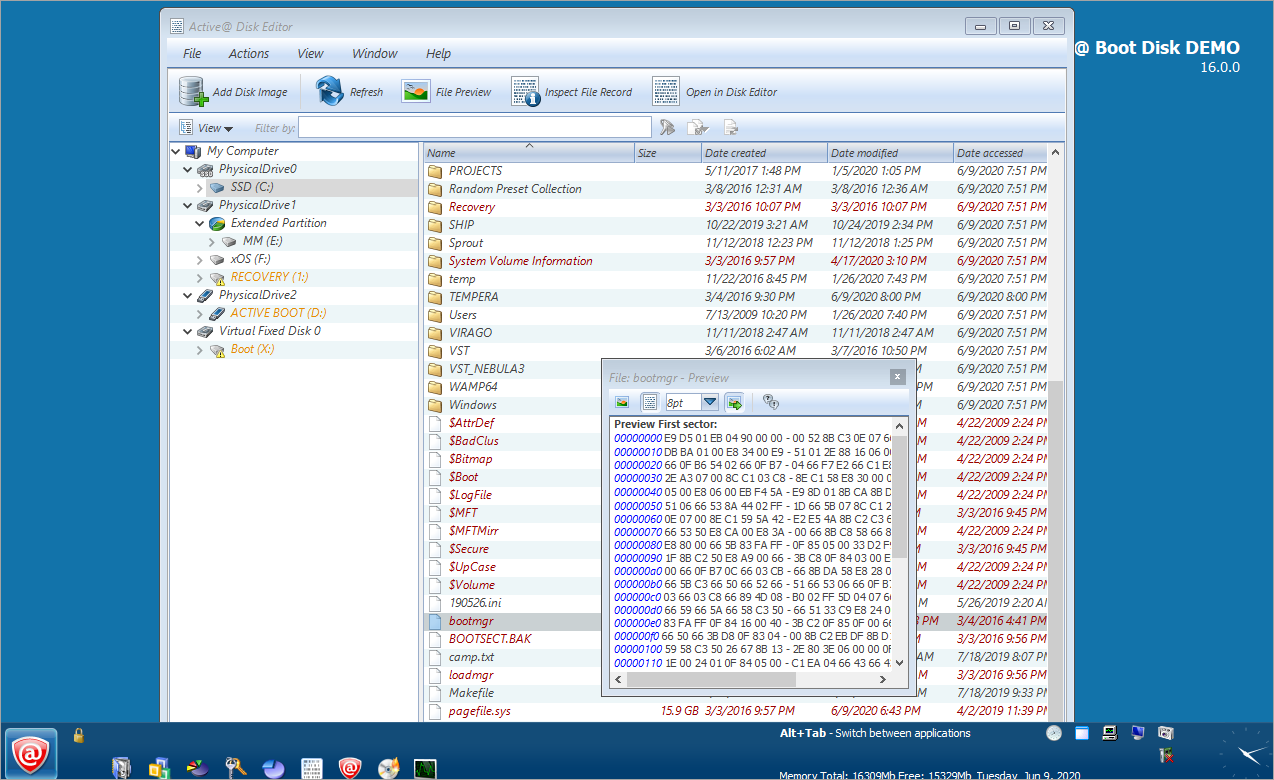
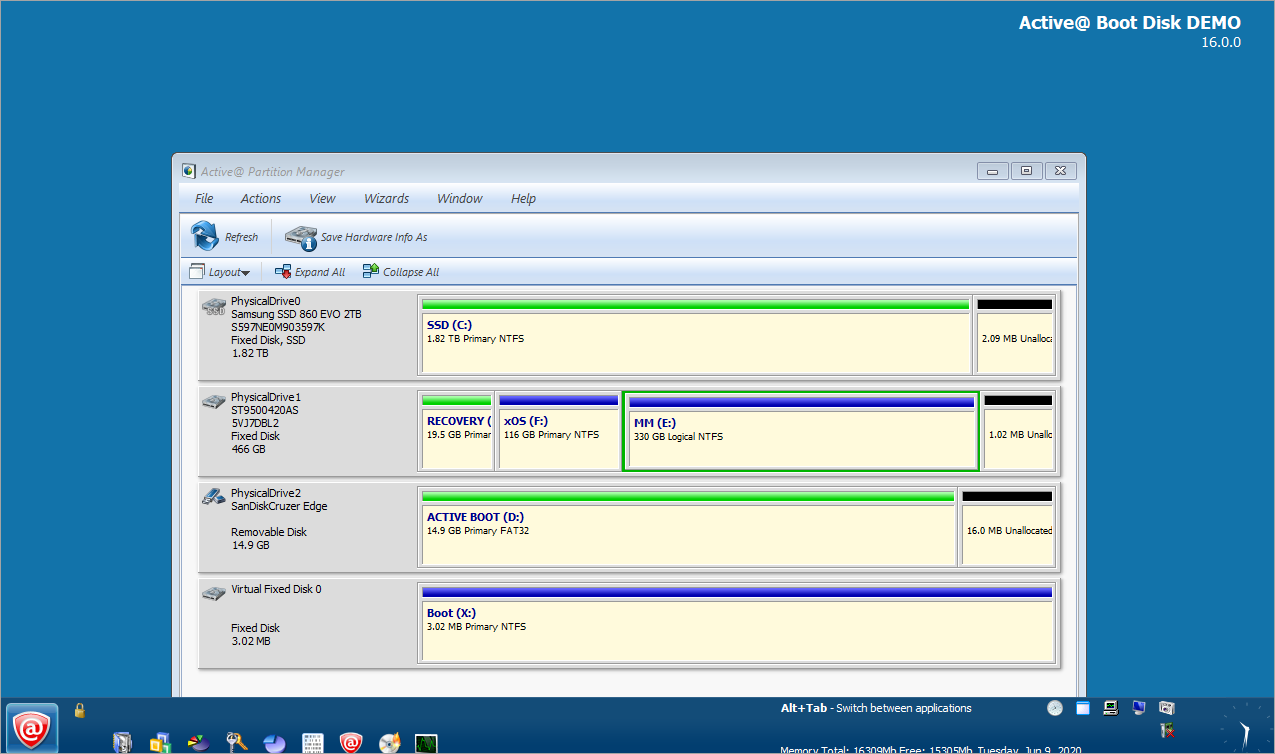
Active@ Boot Disk Windows edition can boot a system into a Windows lite environment. This provides a graphical user interface allowing use of the keyboard and mouse. Key component programs and additional utilities are included such as:
Additional utilities include:
|
Active@ Boot Disk DOS edition can boot a system into DOS mode. This provides a character based DOS screen allowing you to use the keyboard arrows to select the component you wish to run. The various components are:
Each component runs in DOS mode which has low memory requirements convenient for systems with little RAM. |
What
are the differences between the Windows and the DOS editions
of Active@ Boot Disk?
How can I try Active@ Boot Disk before purchase?
How to make a bootable CD? How can I write ISO files to CD or DVD?
How to boot and run software from CD-ROM?
What
are ISO image files?
What are the differences between the Active@ Boot Disk Demo and Active Boot Disk Pro versions?
How is the software delivered when I order?
NTFS.com by Active@ Data Recovery Software ©1998-2008 |