NTFS.com - Data Recovery Software

NTFS GENERAL INFORMATION

Data Recovery Software

QUESTIONS & ANSWERS

NTFS.com > Data Recovery Software > Questions

Download Demo

Download

Buy Now

Buy Now

Support Center

Support

System Requirements

Requirements

Screenshots

Screens

FAQ

FAQ

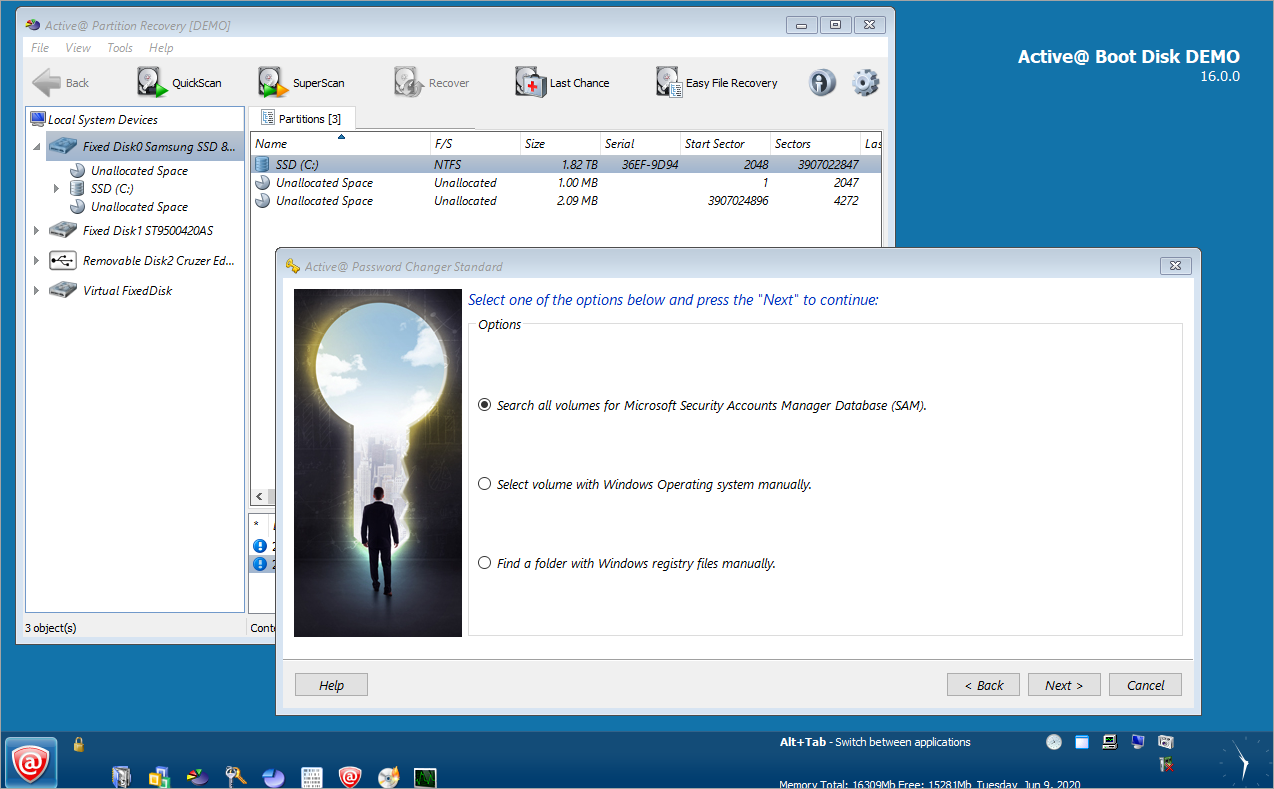
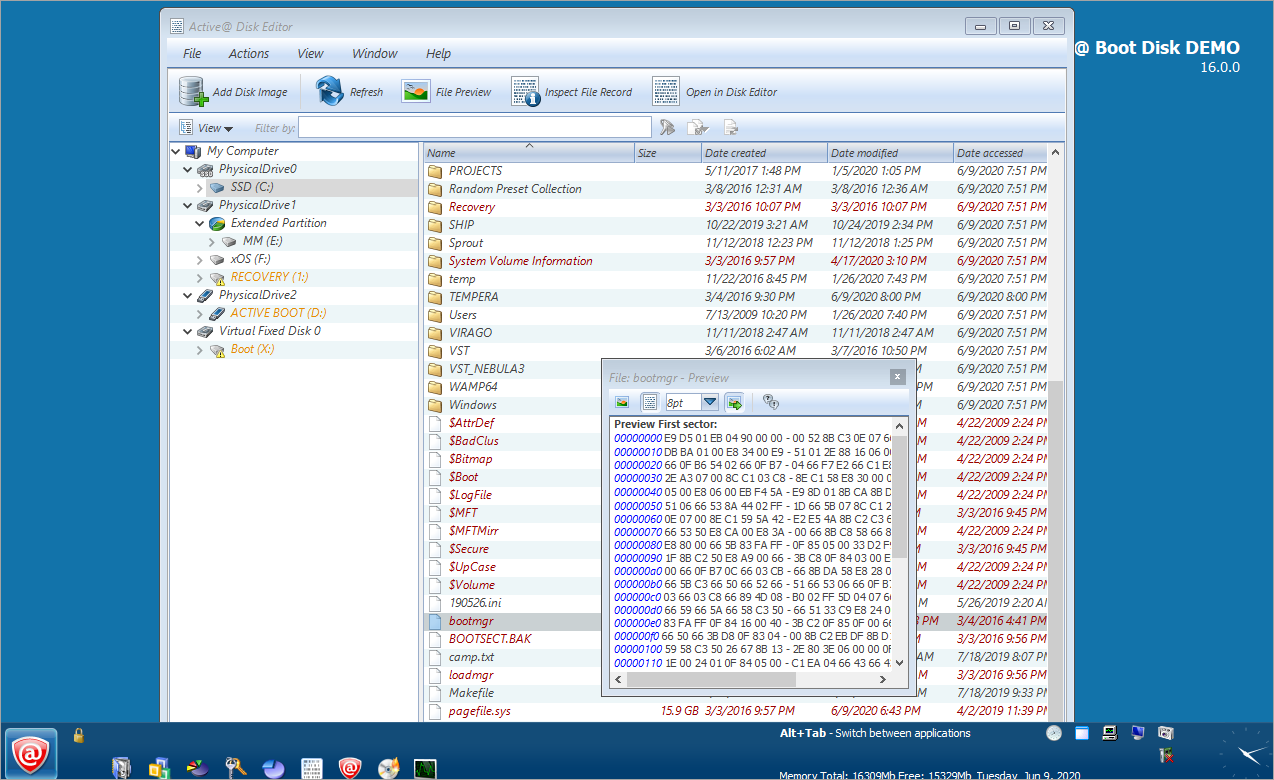
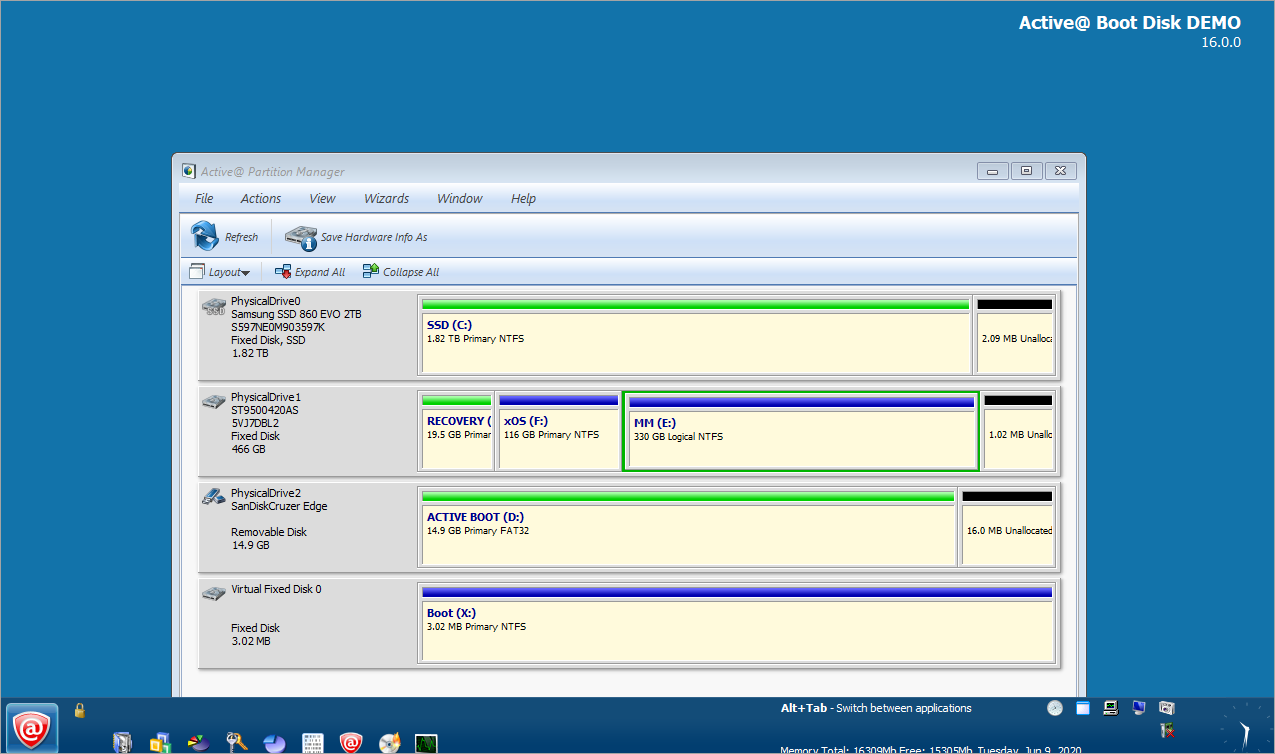
How can I try Active@ Boot Disk before purchase?

You can try Active@ Boot Disk Demo version free before purchase without any risk! Registration is fast, simple and absolutely free.

Follow These Steps to Get Free 10-day Trial of Active@ Boot Disk:

  1. Download and Install Demo software.
    Click on the Download link or on the pictureDownload Demo. You will receive a file called BootDiskDemo-Setup.exe. This file is an installation program which guides you through the process of burning the CD. Double click on this file. Follow the instructions of the installation wizard, then run Active@ Boot Disk Creator.
  2. Register for Your Software Trial.
    Enter the Registration InformationGet the Registration Key for DEMO by email. Click on the Get Key for Free button. Fill up the registration information: Your name, country and email address, and the license key will be emailed to you directly.
  3. Complete the Program Registration

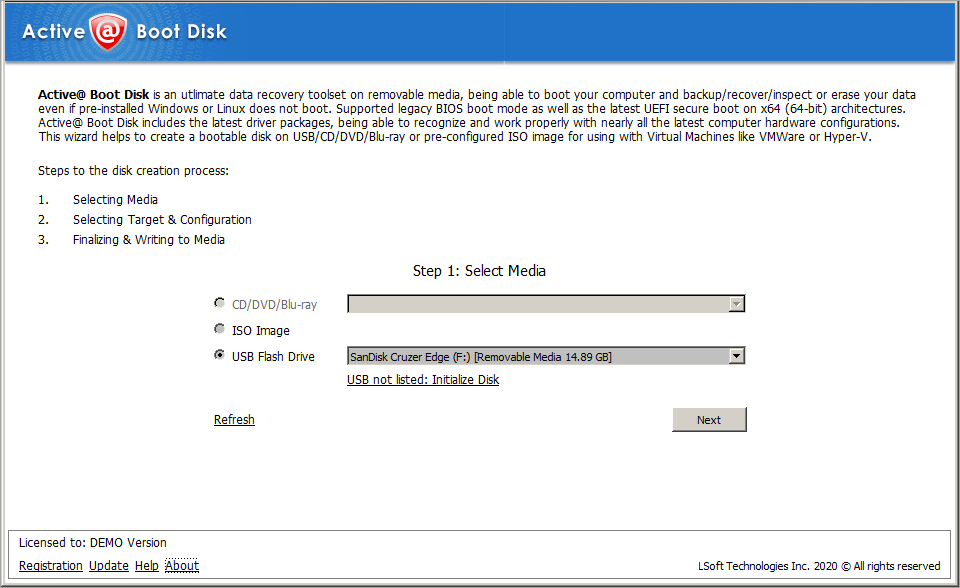
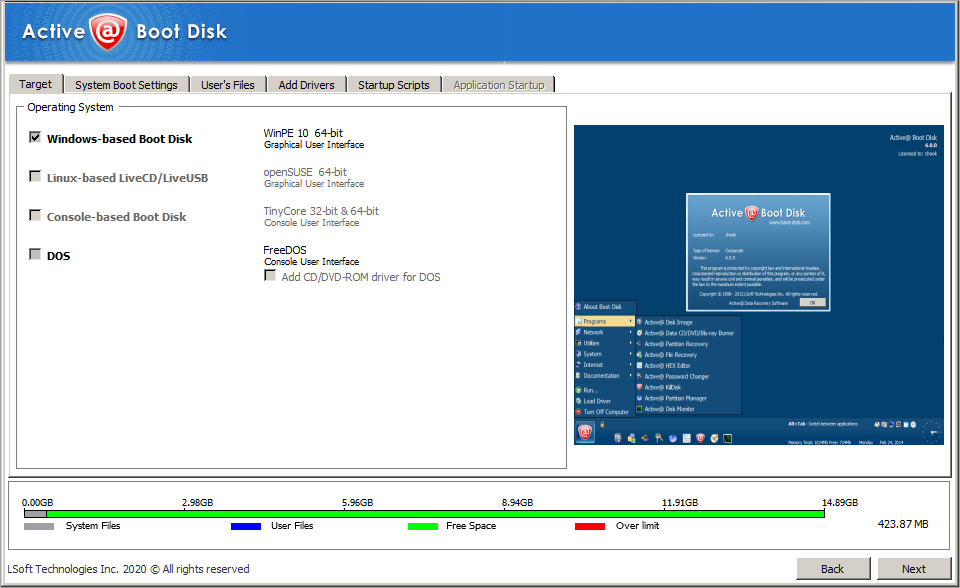
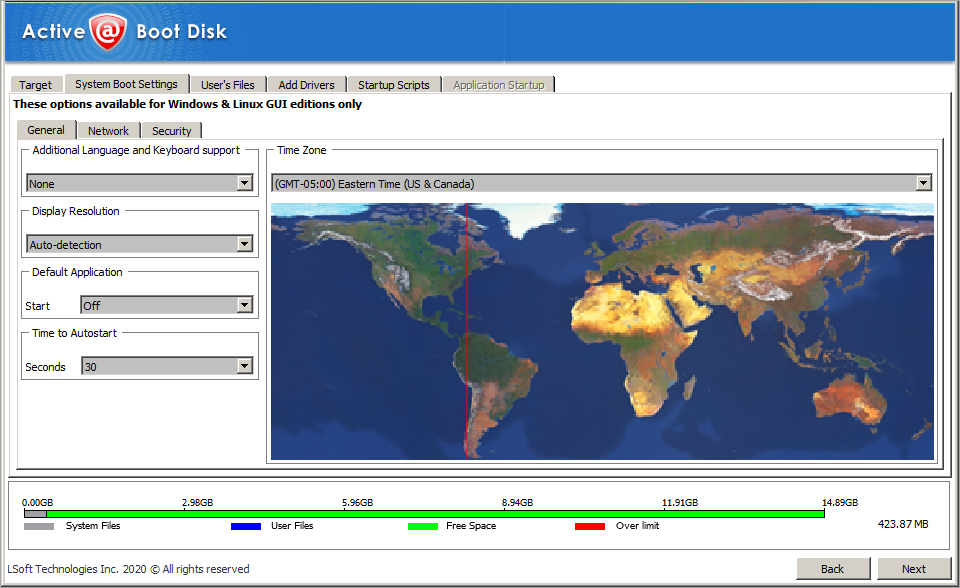
After registration is completed, the Active@ Boot Disk Creator starts, a program which guides you through the process of burning the CD. Follow the steps in the program.


More Questions

What are the differences between the Windows and the DOS editions of Active@ Boot Disk?
How can I try Active@ Boot Disk before purchase?
How to make a bootable CD? How can I write ISO files to CD or DVD?
How to boot and run software from CD-ROM?
What are ISO image files?

What are the differences between the Active@ Boot Disk Demo and Active Boot Disk Pro versions?
How is the software delivered when I order?


NTFS.com by Active@ Data Recovery Software ©1998-2008